How to use PhotoVim
Step-by-step guides for the work people actually do — removing backgrounds, erasing objects, making thumbnails.
-
 Watch the step-by-step video
Intermediate
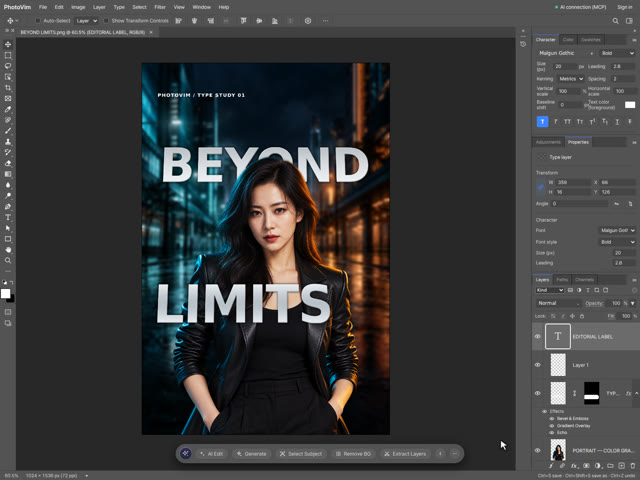
Text Behind and In Front of a Person: Typography Poster Tutorial
Watch the step-by-step video
Intermediate
Text Behind and In Front of a Person: Typography Poster Tutorial
Combine background blur, portrait curves, silver dimensional type and perspective. Use matching type layers and a painted layer mask to weave lettering behind the portrait and in front of the jacket.
-
 Watch the step-by-step video
Intermediate
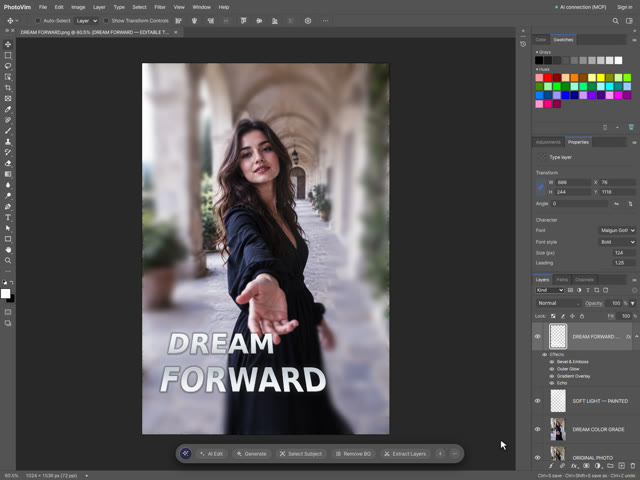
Dreamy Portrait Poster: Contrast, Color Grading and Dimensional Text
Watch the step-by-step video
Intermediate
Dreamy Portrait Poster: Contrast, Color Grading and Dimensional Text
Transform a muted portrait with S-curve contrast and color balance, selective background blur, painted light, gradient type, bevel, Echo depth and perspective. Follow a real editing recording with settings, shortcuts and practice files.
-
 Watch the step-by-step video
Beginner
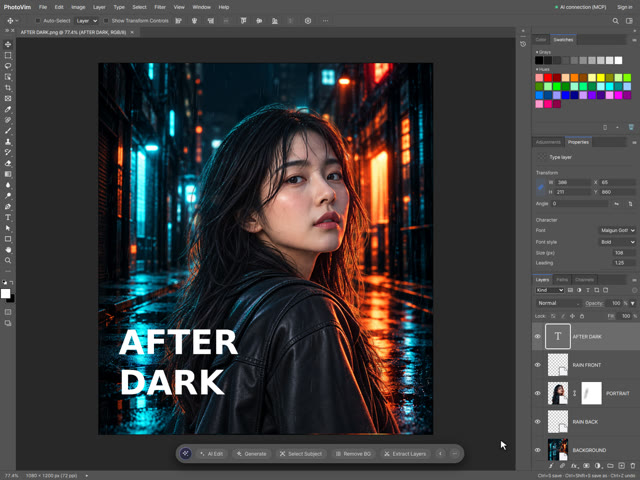
Create a Neon Movie Poster with Portrait, Rain and Text
Watch the step-by-step video
Beginner
Create a Neon Movie Poster with Portrait, Rain and Text
Build a neon movie poster from a transparent portrait and separate rain layers. Follow the video to refine the hair edge with a layer mask and add editable type.
-
 Watch the step-by-step video
Beginner
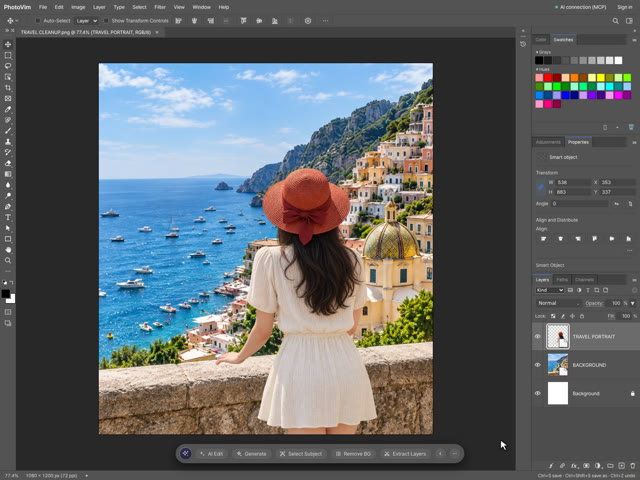
Composite a Travel Portrait onto a Coastal Background
Watch the step-by-step video
Beginner
Composite a Travel Portrait onto a Coastal Background
Combine a clean coastal background with a transparent portrait. Follow the placement, positioning, detail review and layered PSD save in a real editor recording.
-
 Watch the step-by-step video
Beginner
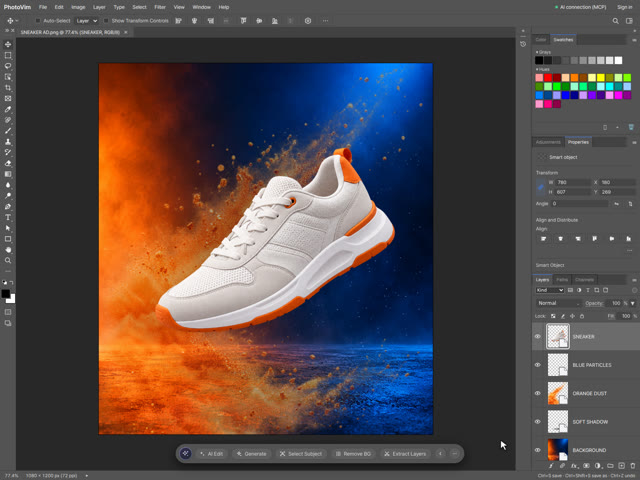
Create a Sneaker Ad with a Product Cutout, Shadow and Dust
Watch the step-by-step video
Beginner
Create a Sneaker Ad with a Product Cutout, Shadow and Dust
Build a product ad from a transparent sneaker, a separate shadow, orange dust and blue particles. Follow the recorded workflow with the practice source files.
-
 Watch the step-by-step video
Beginner
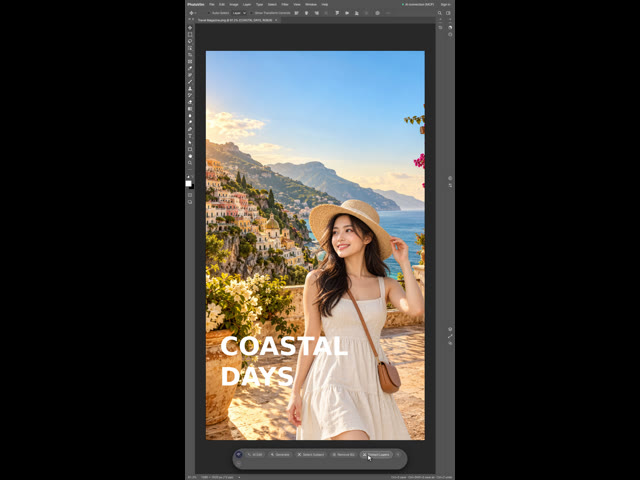
Create a Coastal Travel Cover with Layered Photos and Type
Watch the step-by-step video
Beginner
Create a Coastal Travel Cover with Layered Photos and Type
Composite a coastal scene and transparent portrait, then add an editable COASTAL DAYS headline. Includes a recorded workflow, English subtitles and practice sources.
-
 Watch the step-by-step video
Beginner
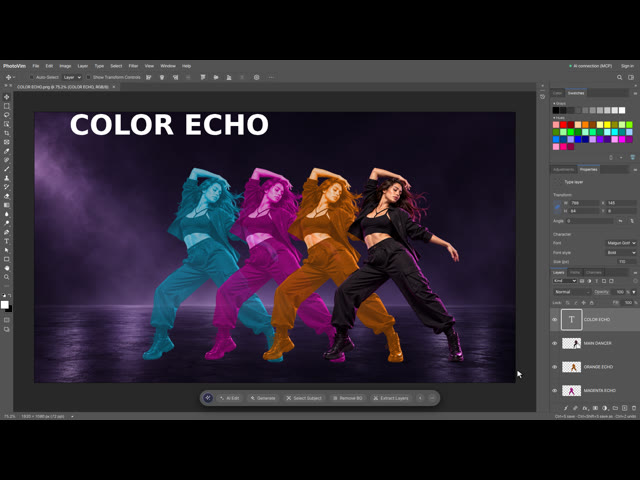
Create a Color Echo Effect with Duplicate Layers
Watch the step-by-step video
Beginner
Create a Color Echo Effect with Duplicate Layers
Duplicate a portrait into orange, magenta and cyan echoes, then add editable type. Follow the actual editing workflow with shortcut captions.
-
 Watch the step-by-step video
Intermediate
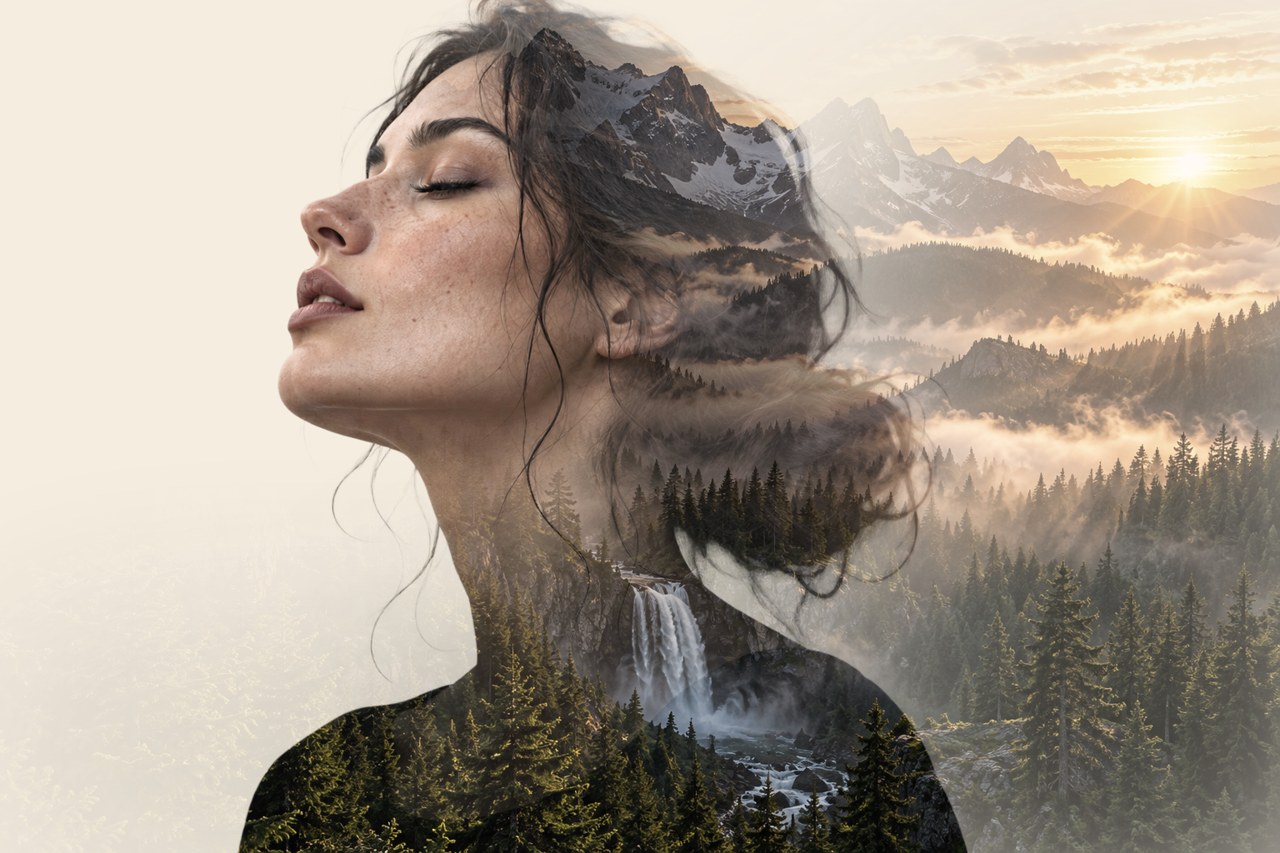
Double Exposure Portrait: Forest Inside a Silhouette
Watch the step-by-step video
Intermediate
Double Exposure Portrait: Forest Inside a Silhouette
Blend a transparent portrait with a forest using a clipping mask, layer masks and soft brushes. Follow the real editor recording with shortcuts and practice files.
-
 Watch the step-by-step video
Intermediate
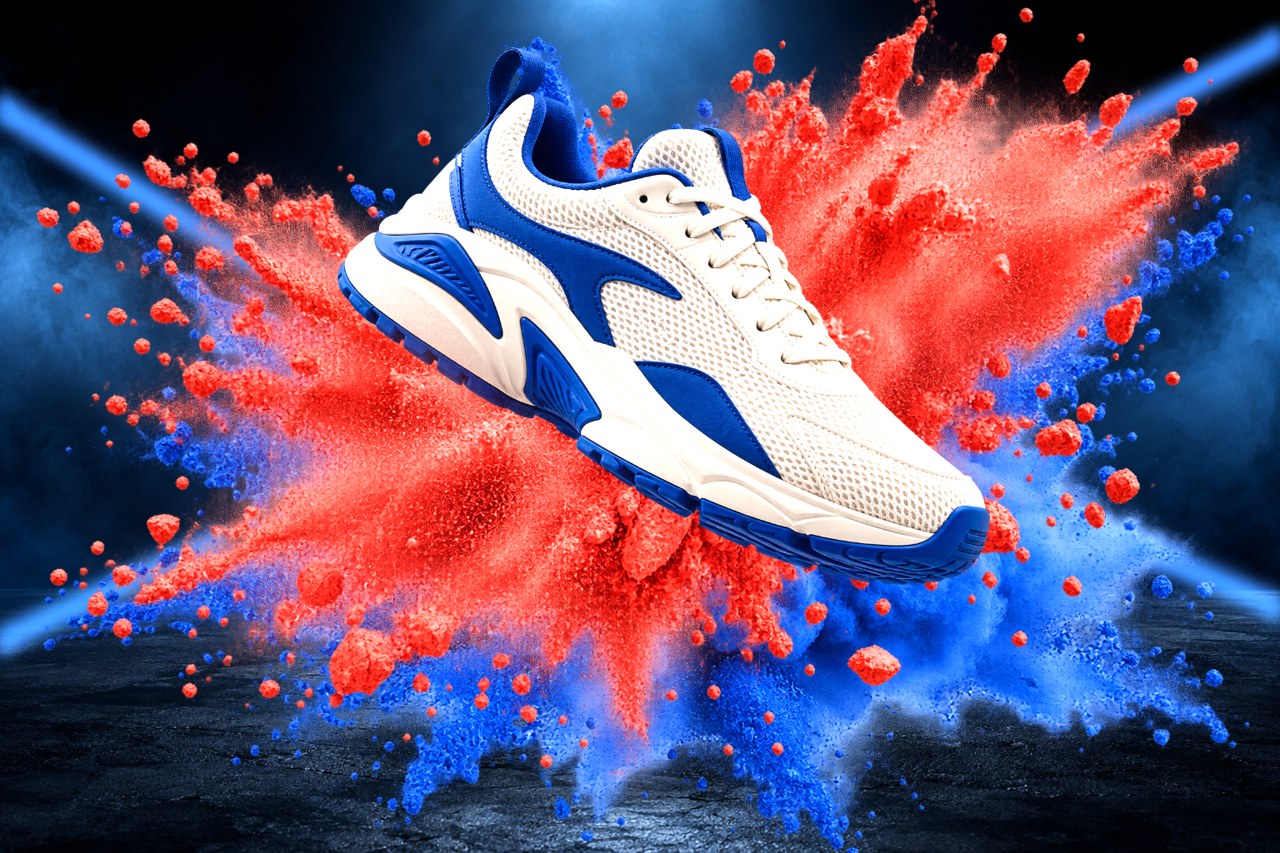
Sneaker Powder Burst Ad with Shadows and Light Beams
Watch the step-by-step video
Intermediate
Sneaker Powder Burst Ad with Shadows and Light Beams
Build a product ad from a transparent sneaker and red and blue powder layers. Add a soft floor shadow, light beams and front particles with masks, step by step.
-
 Watch the step-by-step video
Intermediate
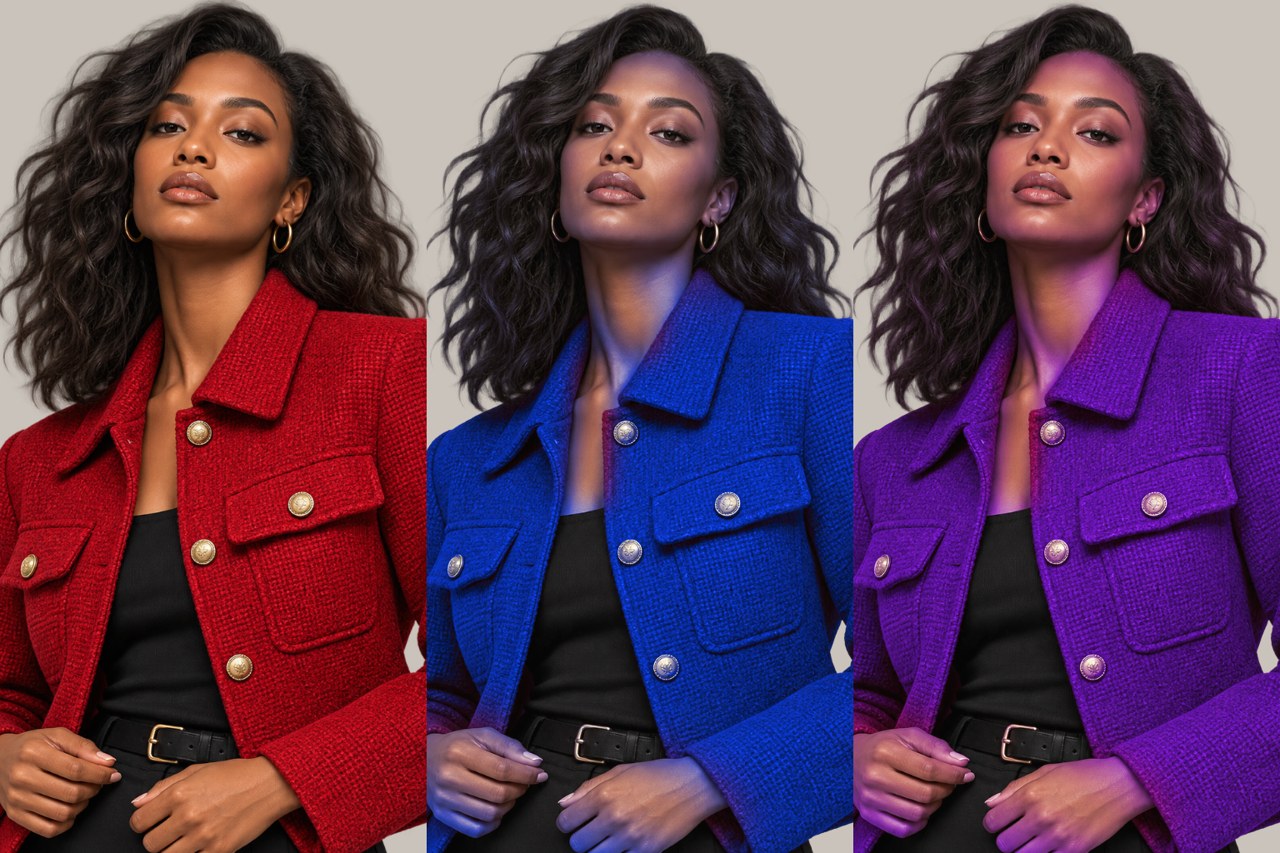
Change a Jacket Color with Color Range and Hue/Saturation
Watch the step-by-step video
Intermediate
Change a Jacket Color with Color Range and Hue/Saturation
Show one outfit in three colors. Select the jacket with Select > Color Range, recolor it with a clipped Hue/Saturation layer and keep skin natural with a mask.
-
 Watch the step-by-step video
Intermediate
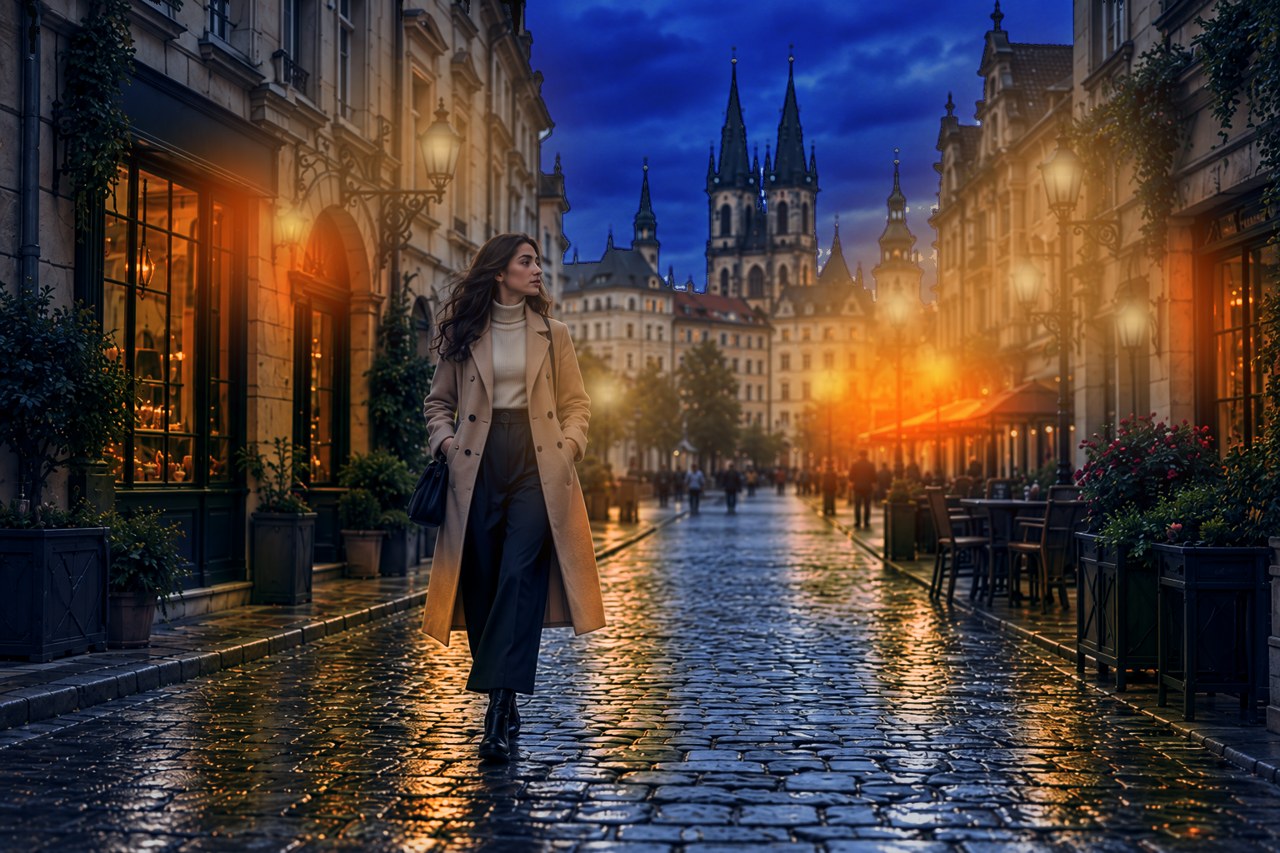
Turn a Day Street Photo into Night with Curves and Painted Light
Watch the step-by-step video
Intermediate
Turn a Day Street Photo into Night with Curves and Painted Light
Turn one daylight street photo into a warm night scene. Darken with Curves, cool with Color Balance, darken the sky with Select > Sky and paint lamps, windows and wet reflections.
-
 Watch the step-by-step video
Beginner
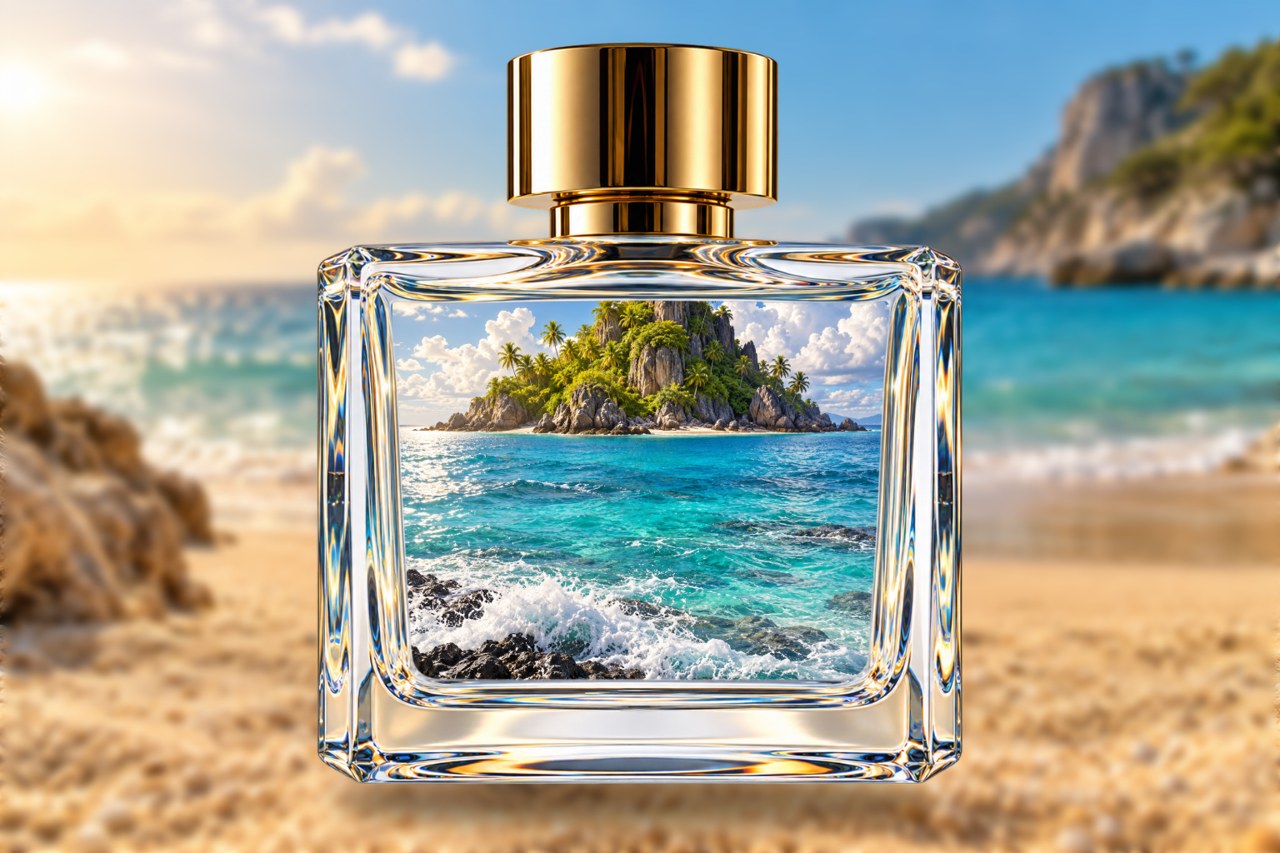
Ocean in a Bottle: Composite a Scene Inside Glass
Watch the step-by-step video
Beginner
Ocean in a Bottle: Composite a Scene Inside Glass
Place an island photo inside an empty glass bottle on a beach. Fit it with a mask, send it behind the glass and add a soft contact shadow.
-
Follow Photoshop tutorials without Photoshop: layers, masks and blend modes
Practice layers, masks and blend modes in PhotoVim without a subscription. Find familiar tools, try a photo-editing exercise and learn the limits.
-
How to open a PSD file without Photoshop
Open and edit PSD files online with PhotoVim. Inspect layers, check font compatibility, then export a copy without installing Photoshop.
-
Remove a background without Photoshop
Cut the background out of a product or portrait photo in your browser and save it as a transparent PNG.
-
Erase people and objects from a photo
Remove passers-by, power lines, or watermarks and fill the gap so it looks untouched.
-
Make a YouTube thumbnail (1280 × 720)
Start from the right canvas size, place your photo, and make the text readable with a stroke and shadow.
-
Change an ID photo background
Turn a photo you took at home into an ID photo by replacing the background with a flat color.
-
Build product detail images
Put your product photo and copy together into the long images shops use on product pages.
-
Refine an AI edit as a layer with a mask
How to receive an AI result as a layer with a mask instead of a flattened image, keep only the part you want, and bring the rest back to the original.
-
Rescue a flat, dark photo with Levels and Curves
How to bring back contrast in a dark photo and fix a color cast with the same Levels and Curves dialogs as Photoshop.
-
Blur a photo background online (no Photoshop)
How to keep the subject sharp and blur only the background so a portrait or product photo stands out. Works in the browser.
-
Set exact photo size and resolution (DPI) for print and ID photos
How to set width and height in pixels or centimeters and resolution to 300 so the file meets print and ID photo requirements.
-
Curve text for thumbnails with Warp Text
How to bend type into an arc, flag or wave so YouTube thumbnail and product titles stand out.
-
Open a PDF as layers and edit it (no Photoshop)
How to pick pages from a PDF, open them as image layers in the browser, edit, and save back to PDF or PNG.