Erase people and objects from a photo
Lasso whatever you want gone and describe it in one line. The result lands as a new layer, so if you do not like it you delete that layer and try again.
Steps
-
Lasso the thing you want removed, leaving a little room around it.
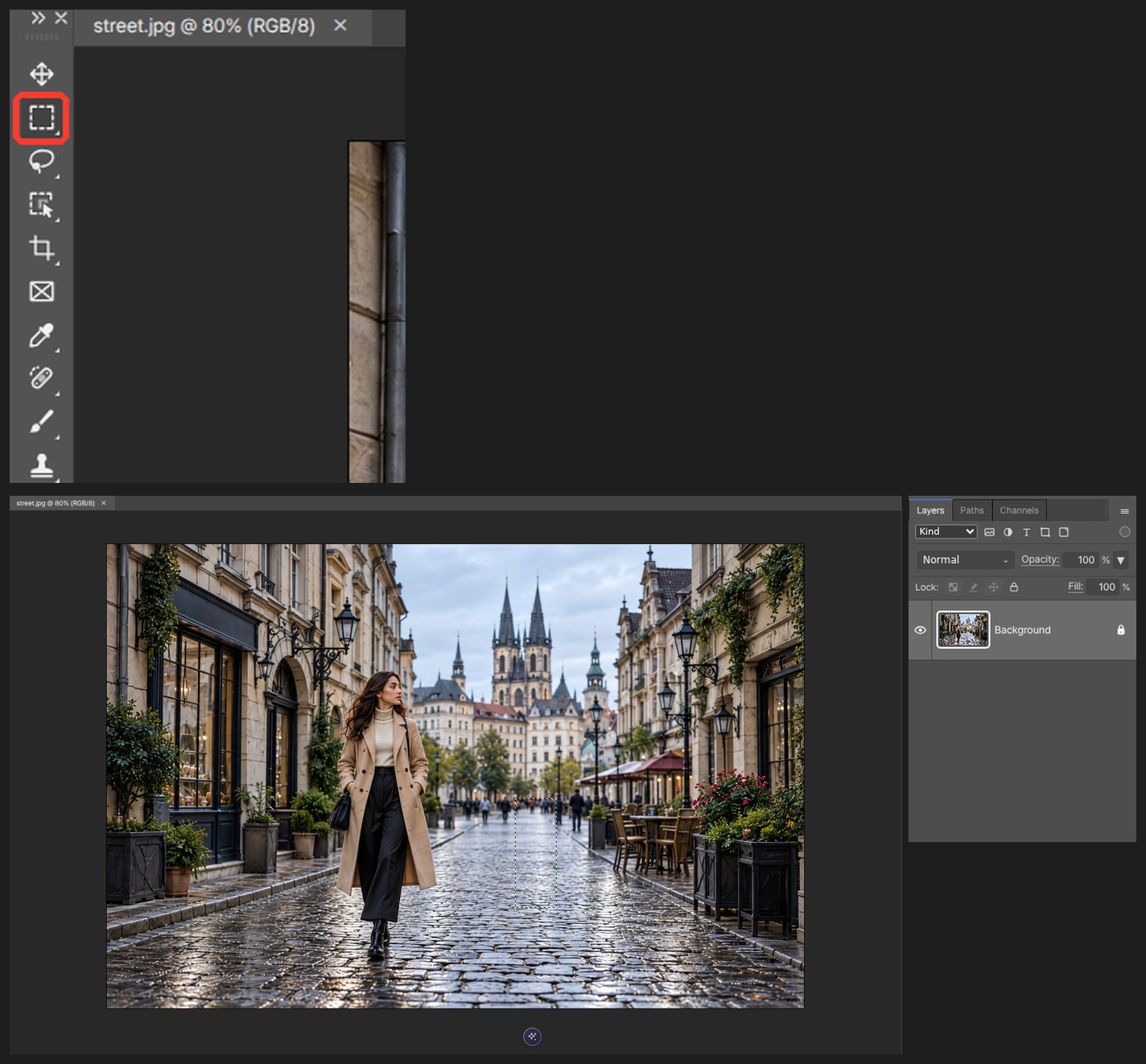
-
Pick Remove in the AI panel.
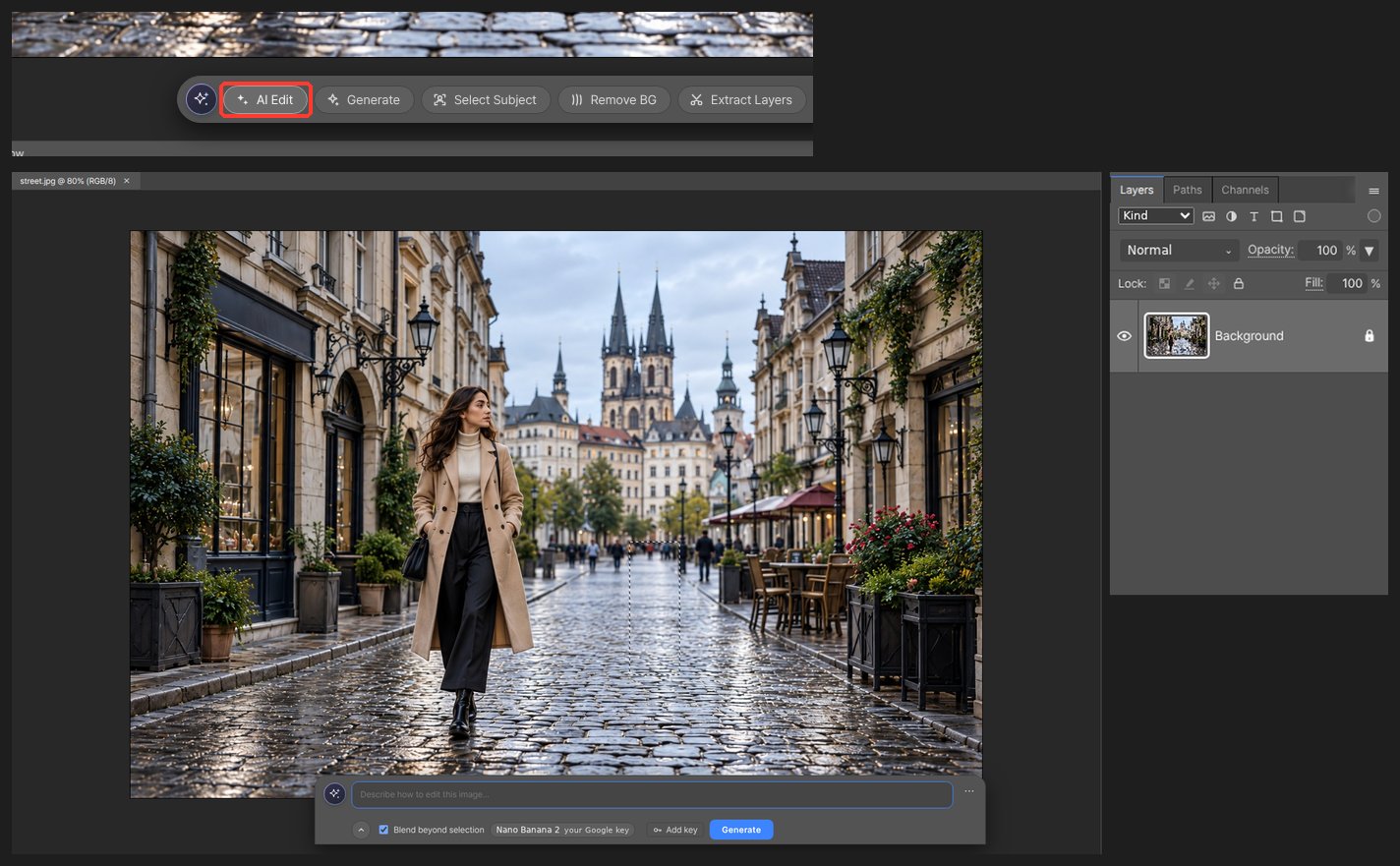
-
Describe what should go and run it.
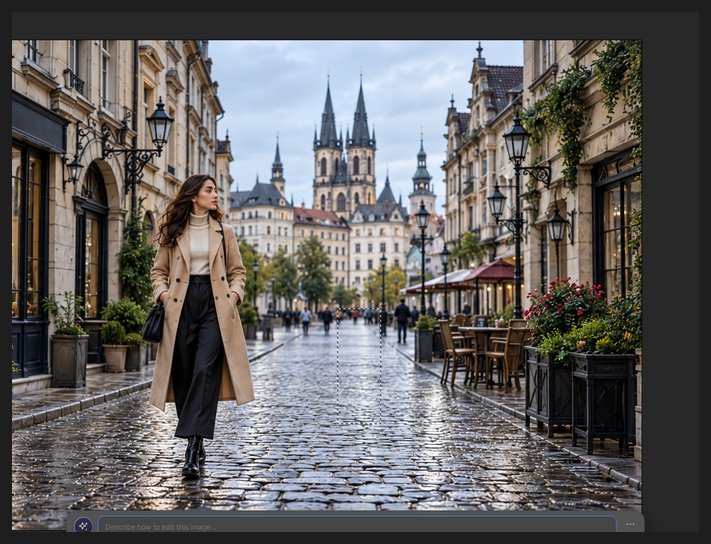
-
The result arrives as a new layer. Brush the mask if an edge looks off.
Worth knowing
Removing a large area in two or three passes gives a cleaner result than doing it all at once.
Questions
The filled area looks wrong.
The result is its own layer, so delete just that layer and run again. Removing in two or three smaller areas looks far more natural.
Does removal cost credits?
Remove runs on our server and costs no credits. Only Generate Image uses credits or your own API key.