Composite a Travel Portrait onto a Coastal Background
Combine a clean coastal background with a transparent portrait. Follow the placement, positioning, detail review and layered PSD save in a real editor recording.
Pause at each step and follow the shortcuts on screen. The practice files contain separate source layers; the video is a recorded UI demonstration.
Watch the vertical Shorts tutorial
English subtitles (SRT)Steps
-
Create the document and place the landscape
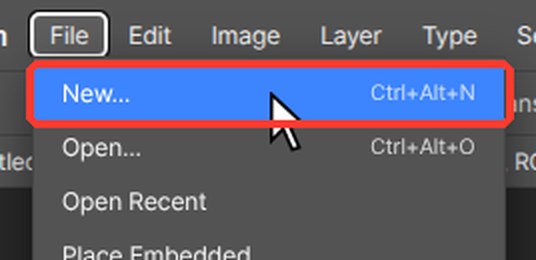
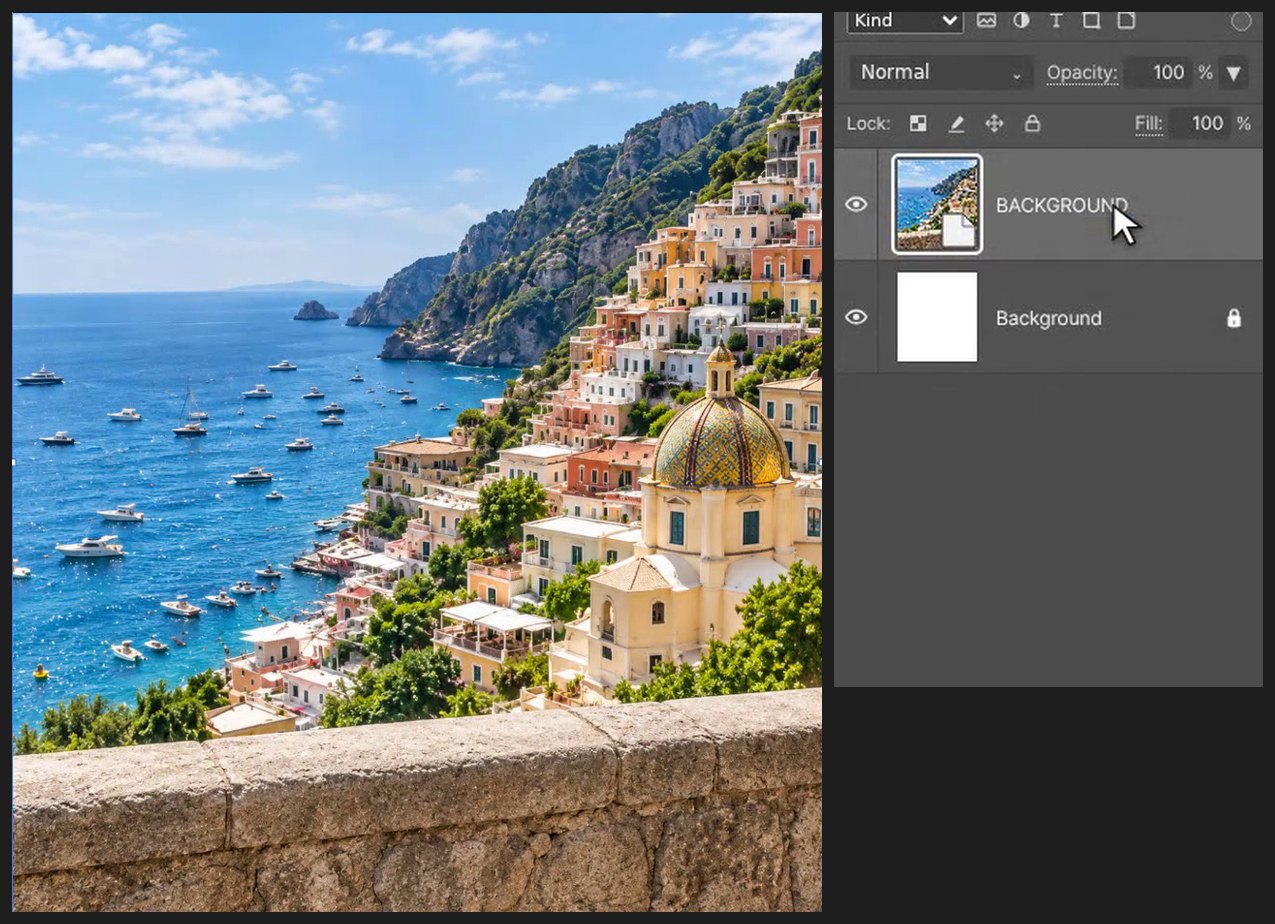
Press Ctrl+Alt+N (or File > New…). Type 1080 in Width and 1200 in Height, then click Create. Choose File > Place Embedded… and pick BACKGROUND_ORIGINAL.png. Drag inside the box to move it and drag a corner handle to resize it. Press Enter (or double-click the image) to finish.
-
Place the portrait
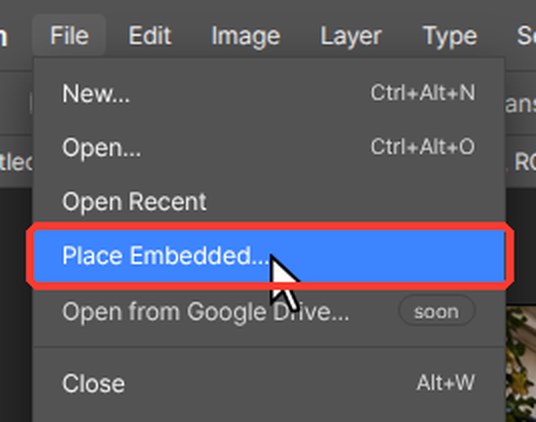
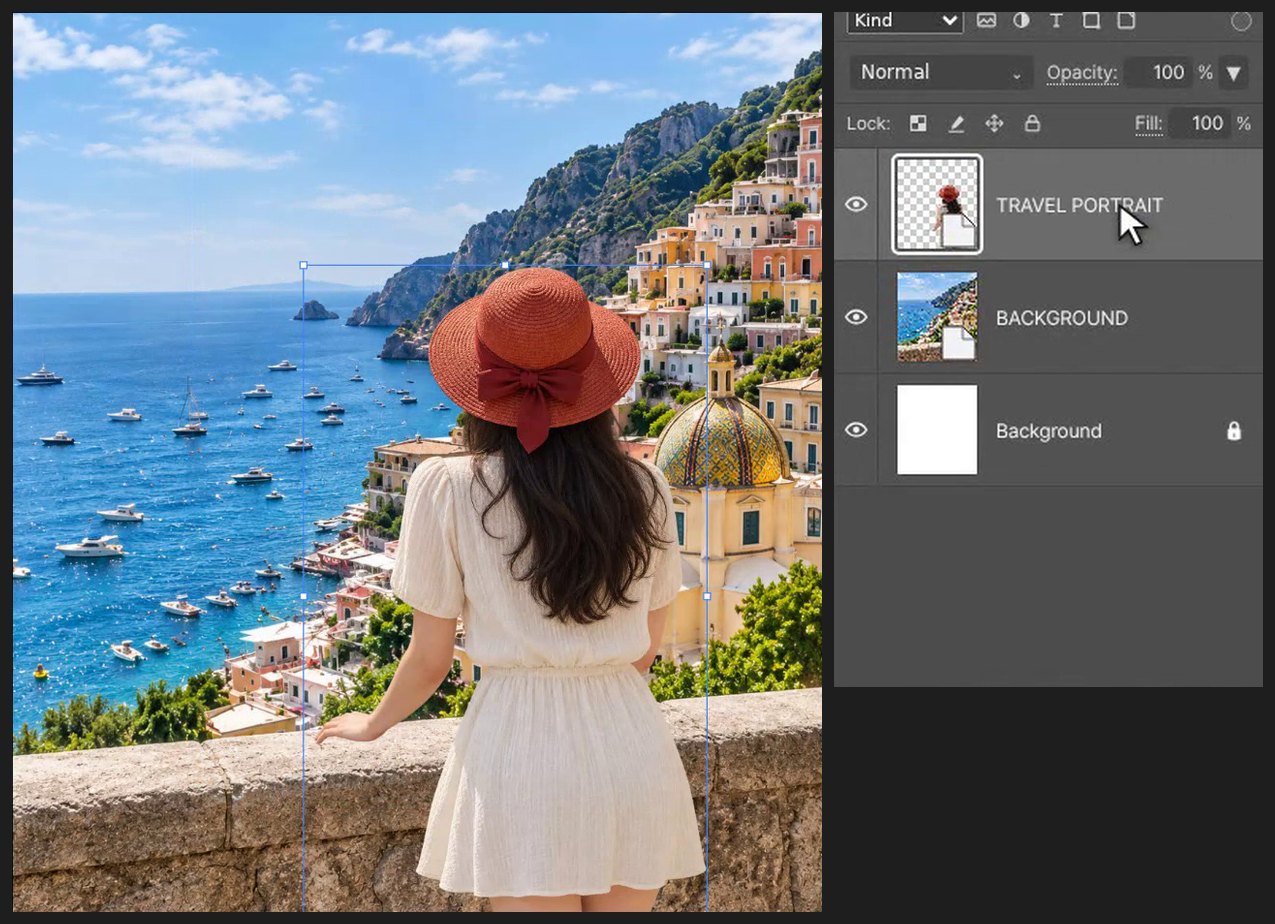
Choose File > Place Embedded… and pick WOMAN_ORIGINAL_ALPHA.png. Drag inside the box to move it and drag a corner handle to resize it. Press Enter (or double-click the image) to finish. Keep her proportions - only drag the corner handles.
-
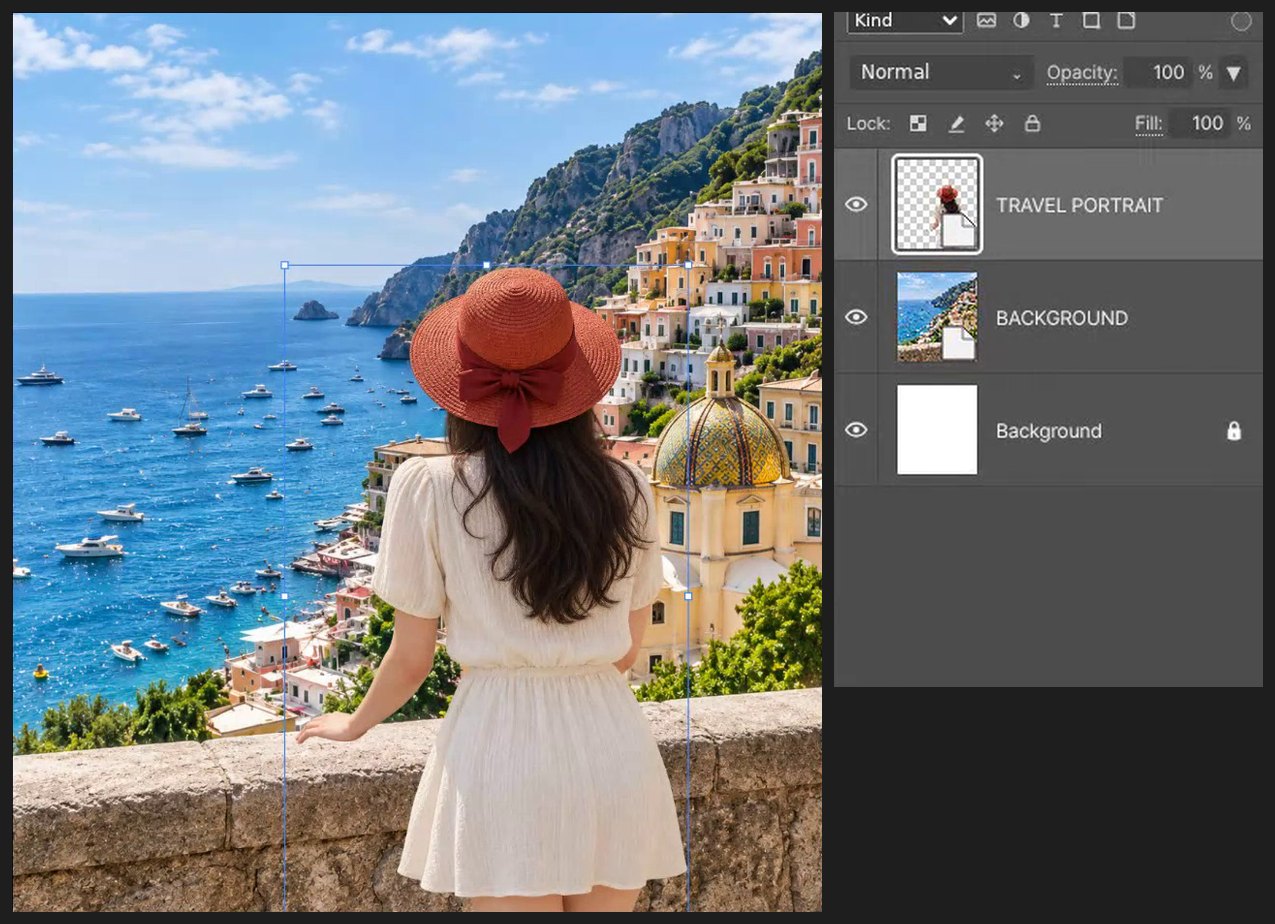
Line her up with the railing
Press V for the Move tool and drag her so she stands at the railing. Press the arrow keys to nudge her 1 px at a time.
-
Check and save
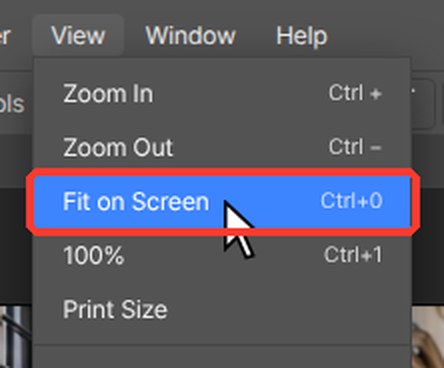
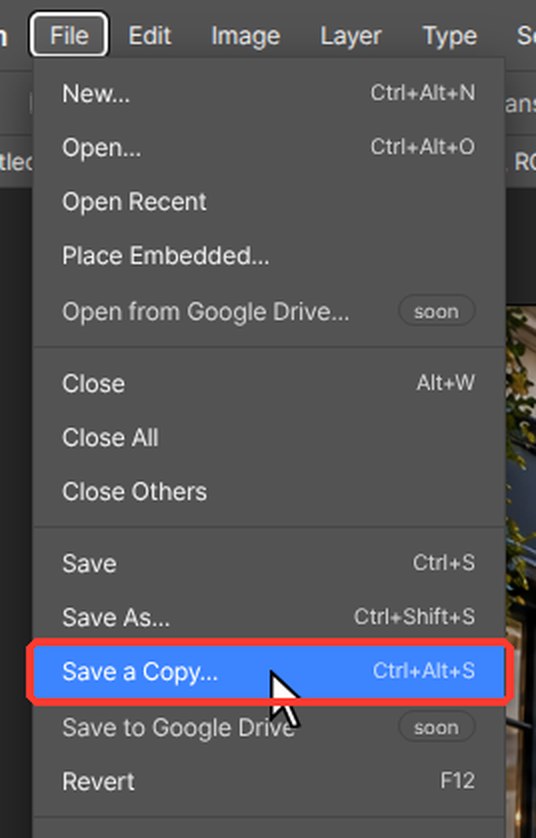
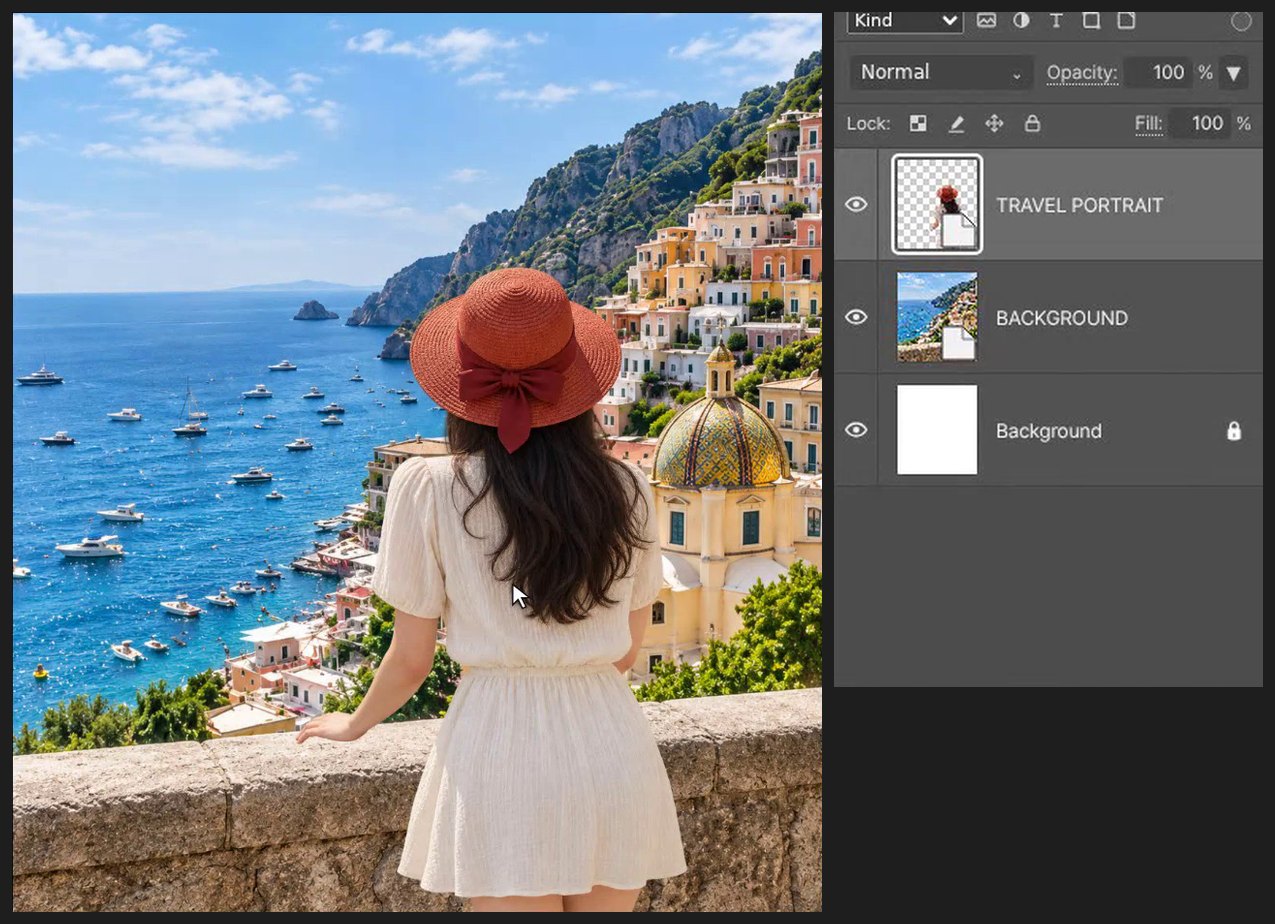
Press Z for the Zoom tool and click on the area you want to check. Press Ctrl+0 (View > Fit on Screen) to see the whole picture again. Press Ctrl+Alt+S (File > Save a Copy…) and choose PSD to keep an editable layered copy.
If a browser shortcut takes over, use the matching editor menu command. Keep the source files and practice on a copy.
Questions
Do I need Photoshop for this tutorial?
No. Every step is done in PhotoVim in your browser, with nothing to install. Menu names and shortcuts follow Photoshop, so the steps look familiar if you already use it.
How do I keep the person's proportions when scaling?
Drag only the corner handles of the placement box. PhotoVim keeps the ratio by default.