Build product detail images
A product page is several tall images in a row. Fix the size once and repeat the same layout so the set looks consistent.
Steps
-
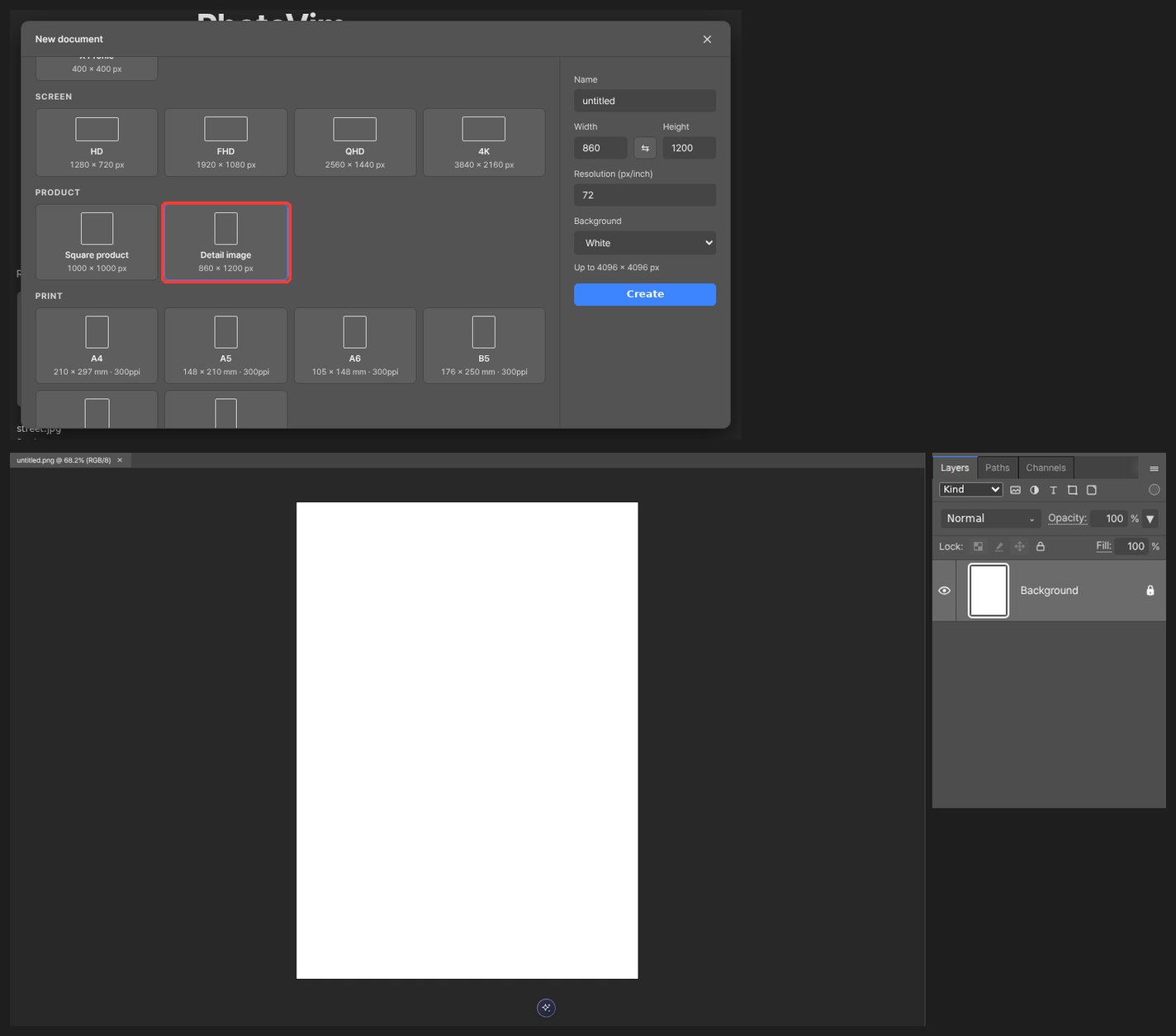
Pick the detail image preset (860 × 1200) in New.
-
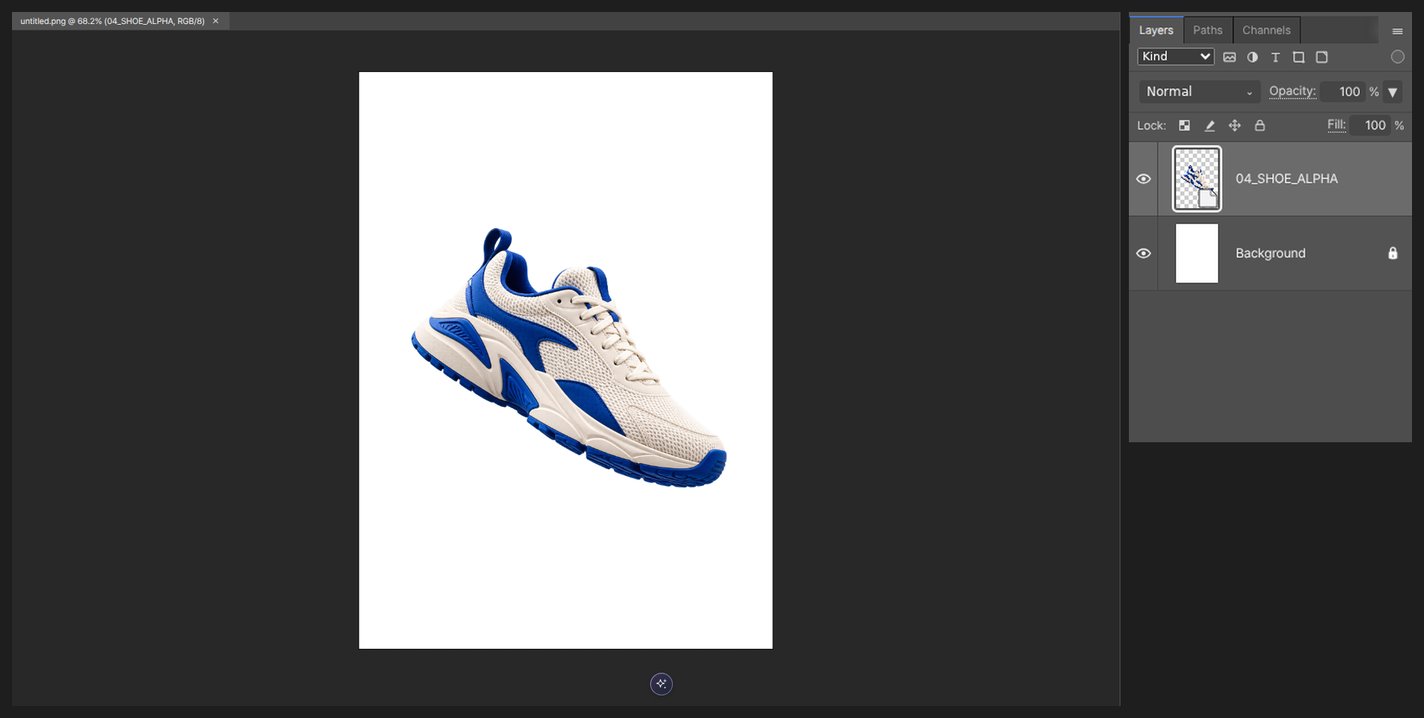
Place the product photo and clean up the background.
-
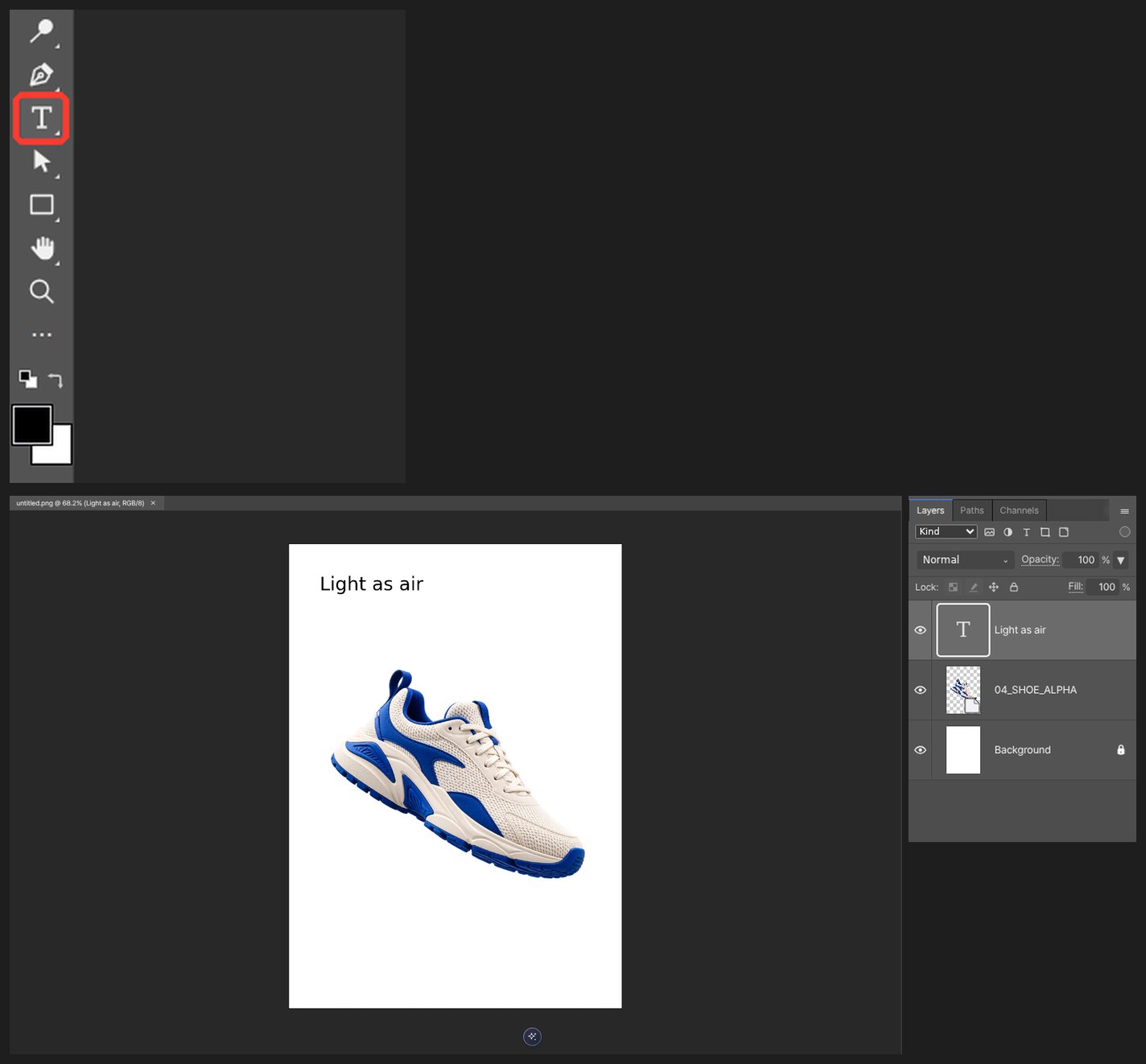
Add text describing one feature. One point per image reads best.
-
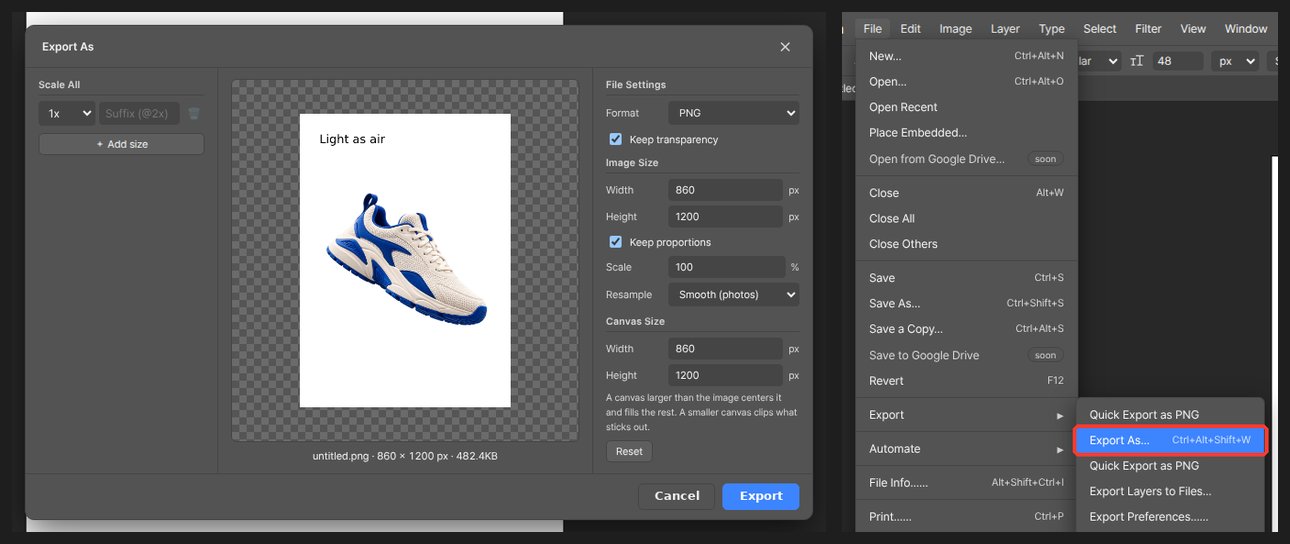
Repeat the layout for the rest and export them in order.
Worth knowing
Set text larger than looks right on your monitor — it shrinks a lot on phones.
Questions
What size should one image be?
At 860 px wide, around 1200 px tall reads well. Each store has its own limit, so check the upload screen first.
How do I repeat the same layout?
Make the first image, duplicate the document and swap only the photo and text. Margins and fonts stay the same.