Curve text for thumbnails with Warp Text
Curved text reads better over a photo. PhotoVim’s Warp Text uses the same style list as Photoshop, and the text stays editable after warping so you can change the words or font later.
Steps
-
Press T for the Type tool, click the canvas and type. A bold font stays readable when bent.
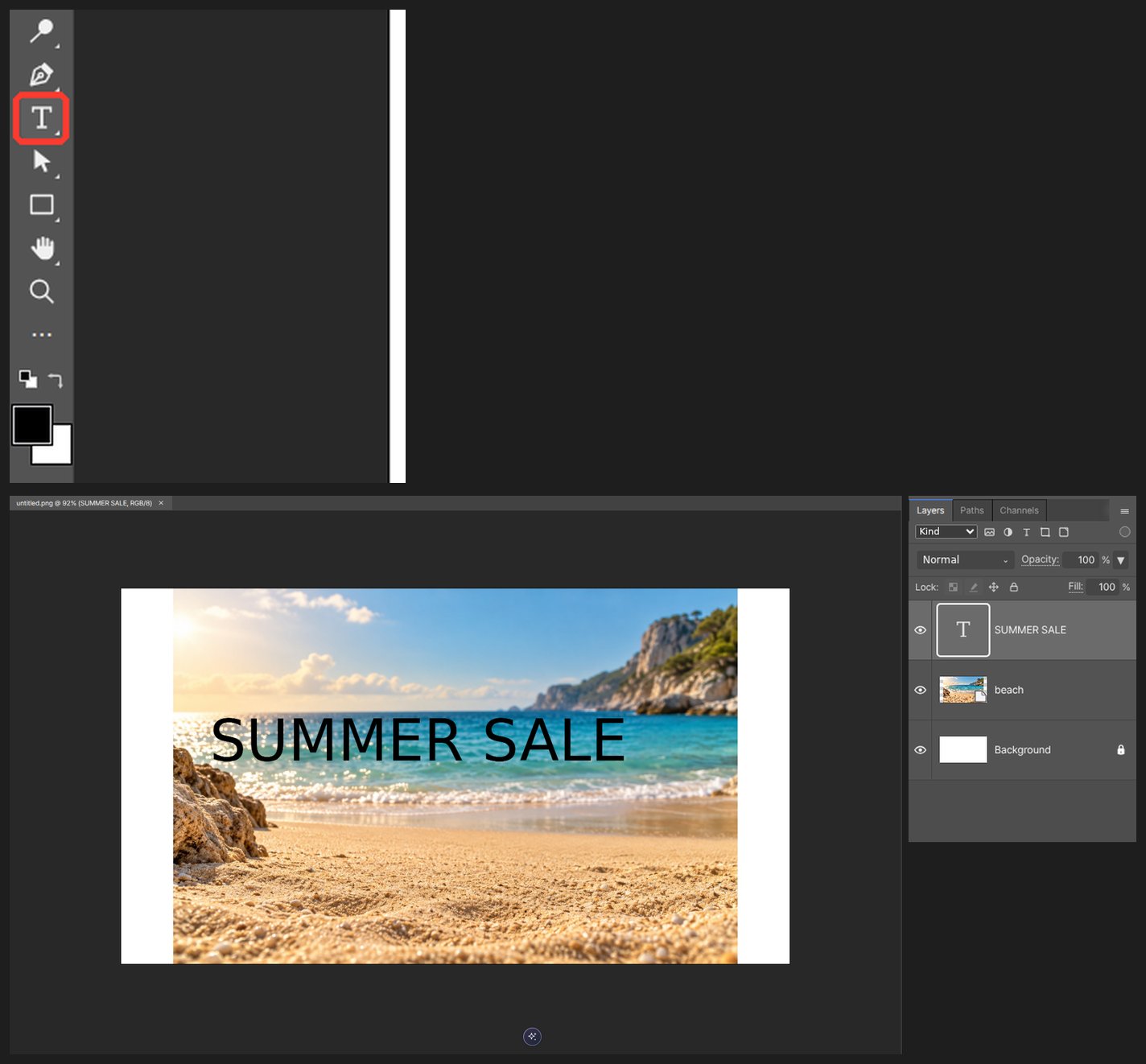
-
With the type layer selected, open Type > Warp Text.
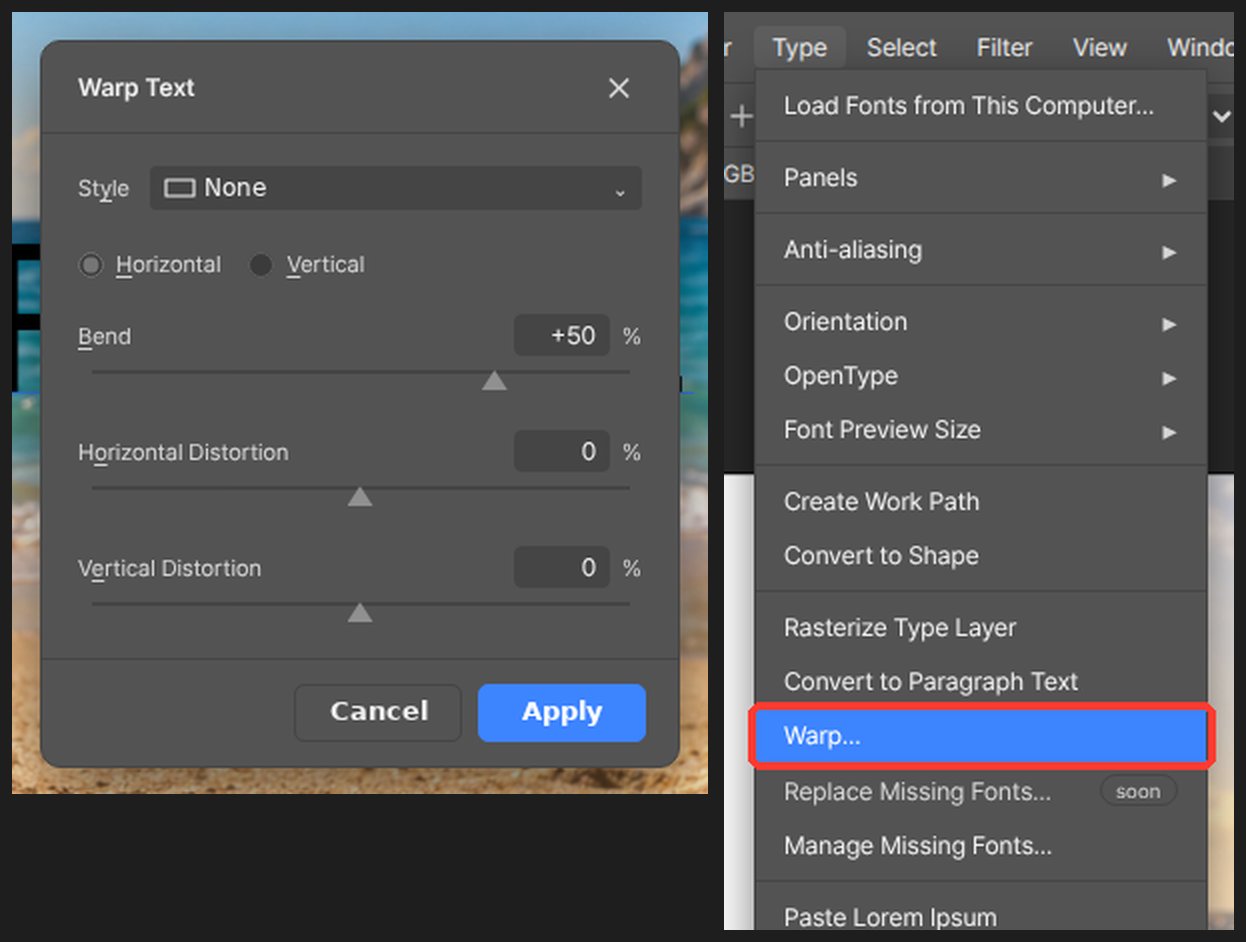
-
Pick a style such as Arc, Flag or Wave. The baseline under the text bends with the preview.
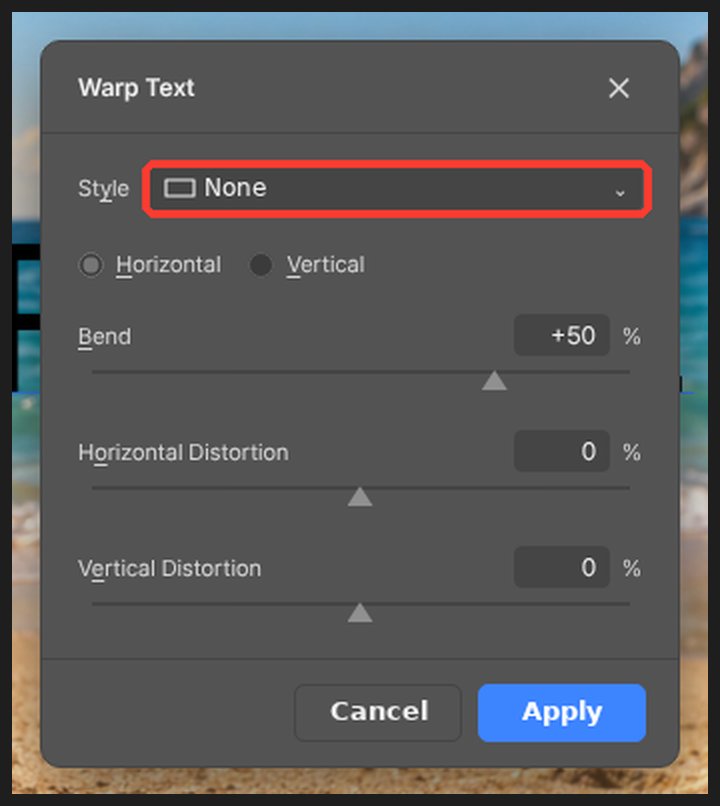
-
Set the amount with Bend and the tilt with Horizontal and Vertical Distortion. Sliders update the canvas as you drag.
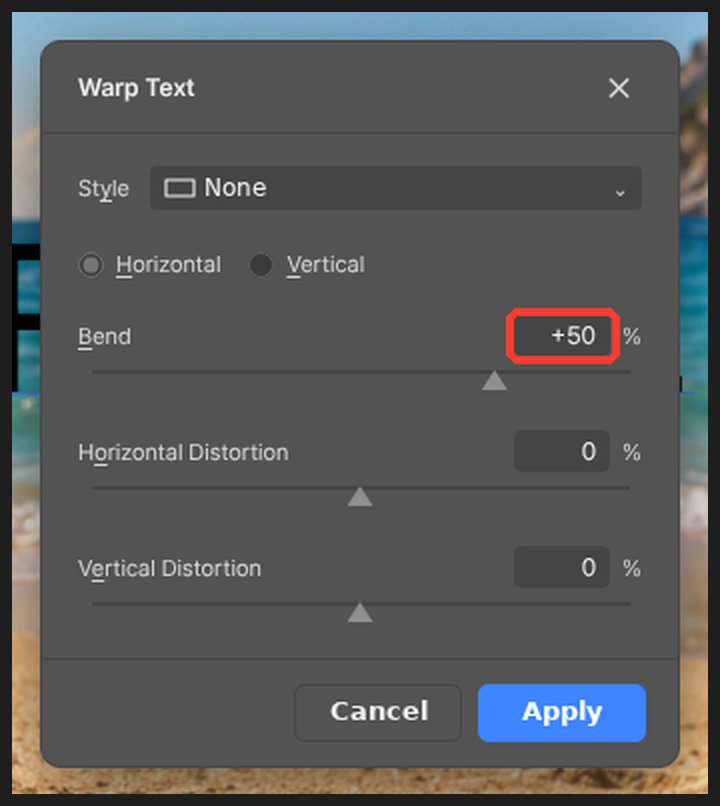
-
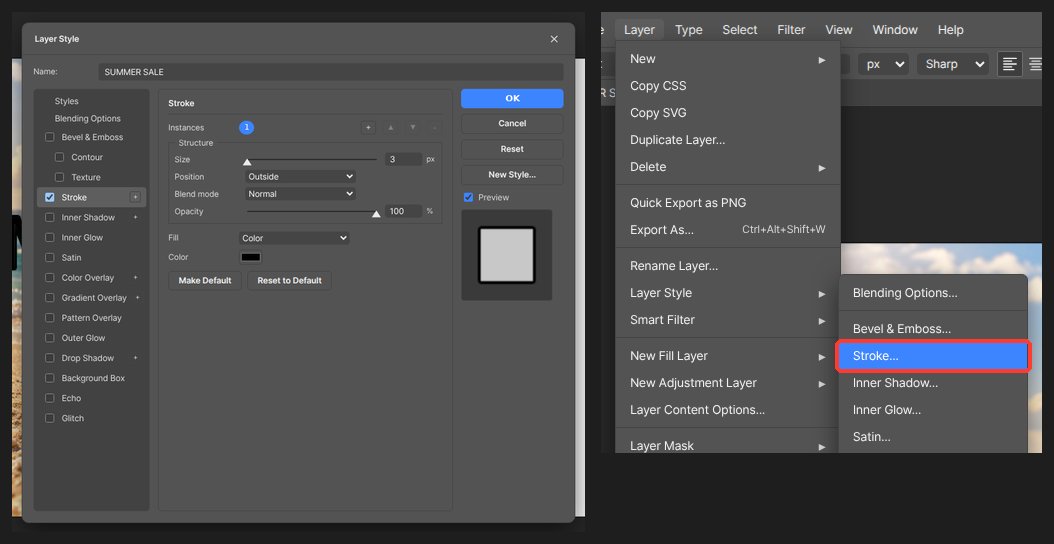
Click OK, then turn on Stroke and Drop Shadow in Layer Style so it reads over any background.
-
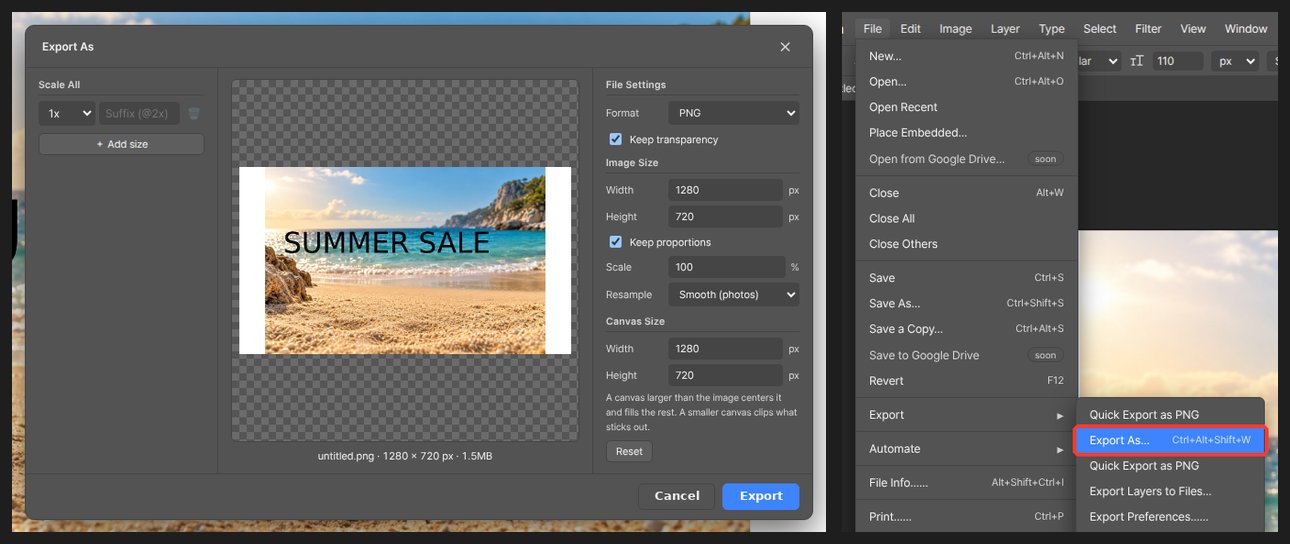
Export as JPG from File > Export. A YouTube thumbnail is 1280 × 720.
After warping, double-click the text with the Type tool to change the words. To change the shape, open Warp Text again.
Questions
Does warped text open in Photoshop from a PSD?
A type layer with warp is saved as pixels. Type layers without warp round-trip as editable text.
Can I warp an image instead of text?
Edit > Transform > Warp bends an image layer, with the same list of shapes.