How to use PhotoVim
Step-by-step guides for the work people actually do — removing backgrounds, erasing objects, making thumbnails.
-
 Watch the step-by-step video
Intermediate
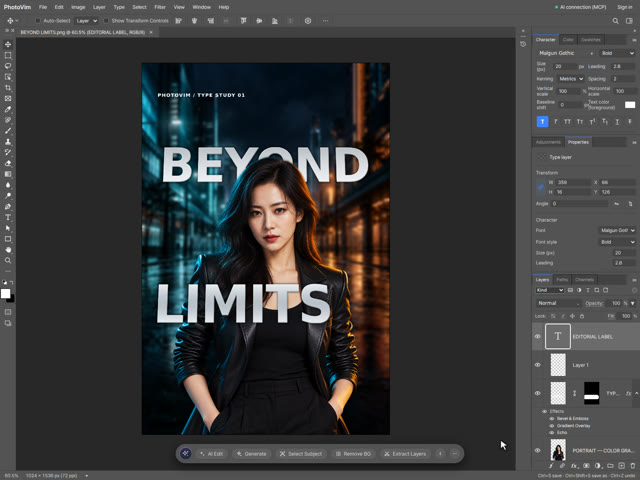
Text Behind and In Front of a Person: Typography Poster Tutorial
Combine background blur, portrait curves, silver dimensional type and perspective. Use matching type layers and a painted layer mask to weave lettering behind the portrait and in front of the jacket.
-
 Watch the step-by-step video
Intermediate
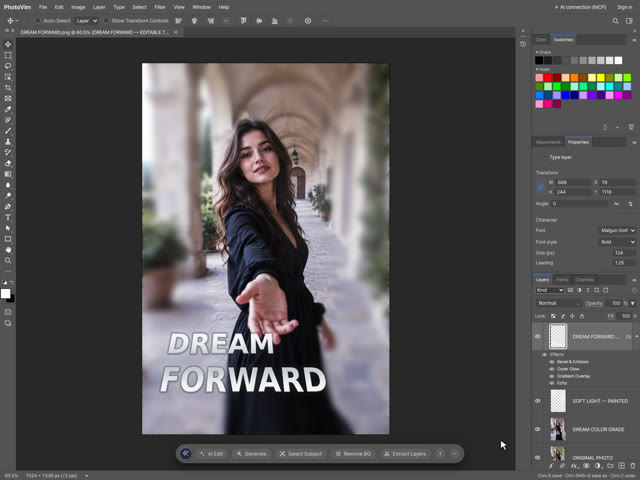
Dreamy Portrait Poster: Contrast, Color Grading and Dimensional Text
Transform a muted portrait with S-curve contrast and color balance, selective background blur, painted light, gradient type, bevel, Echo depth and perspective. Follow a real editing recording with settings, shortcuts and practice files.
-
 Watch the step-by-step video
Beginner
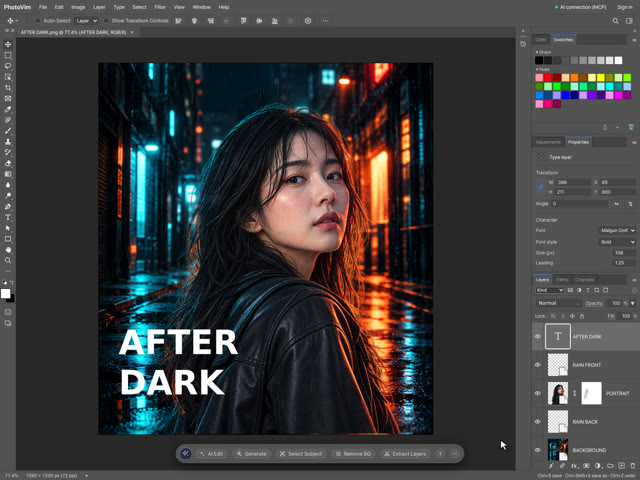
Create a Neon Movie Poster with Portrait, Rain and Text
Build a neon movie poster from a transparent portrait and separate rain layers. Follow the video to refine the hair edge with a layer mask and add editable type.
-
 Watch the step-by-step video
Beginner
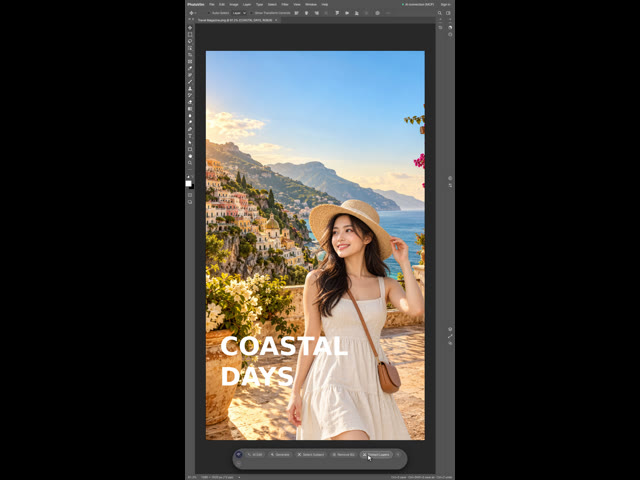
Create a Coastal Travel Cover with Layered Photos and Type
Composite a coastal scene and transparent portrait, then add an editable COASTAL DAYS headline. Includes a recorded workflow, English subtitles and practice sources.
-
Make a YouTube thumbnail (1280 × 720)
Start from the right canvas size, place your photo, and make the text readable with a stroke and shadow.
-
Build product detail images
Put your product photo and copy together into the long images shops use on product pages.
-
Curve text for thumbnails with Warp Text
How to bend type into an arc, flag or wave so YouTube thumbnail and product titles stand out.