How to use PhotoVim
Step-by-step guides for the work people actually do — removing backgrounds, erasing objects, making thumbnails.
-
 Watch the step-by-step video
Intermediate
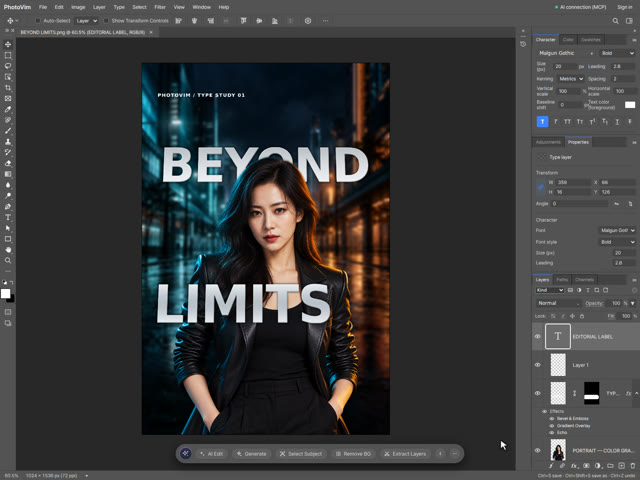
Text Behind and In Front of a Person: Typography Poster Tutorial
Combine background blur, portrait curves, silver dimensional type and perspective. Use matching type layers and a painted layer mask to weave lettering behind the portrait and in front of the jacket.
-
 Watch the step-by-step video
Intermediate
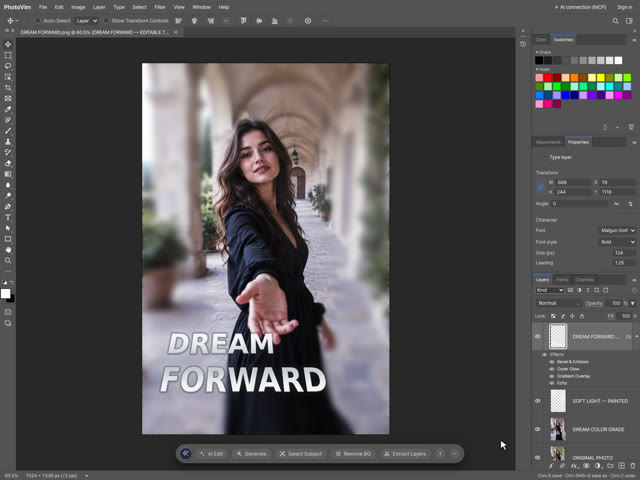
Dreamy Portrait Poster: Contrast, Color Grading and Dimensional Text
Transform a muted portrait with S-curve contrast and color balance, selective background blur, painted light, gradient type, bevel, Echo depth and perspective. Follow a real editing recording with settings, shortcuts and practice files.
-
 Watch the step-by-step video
Intermediate
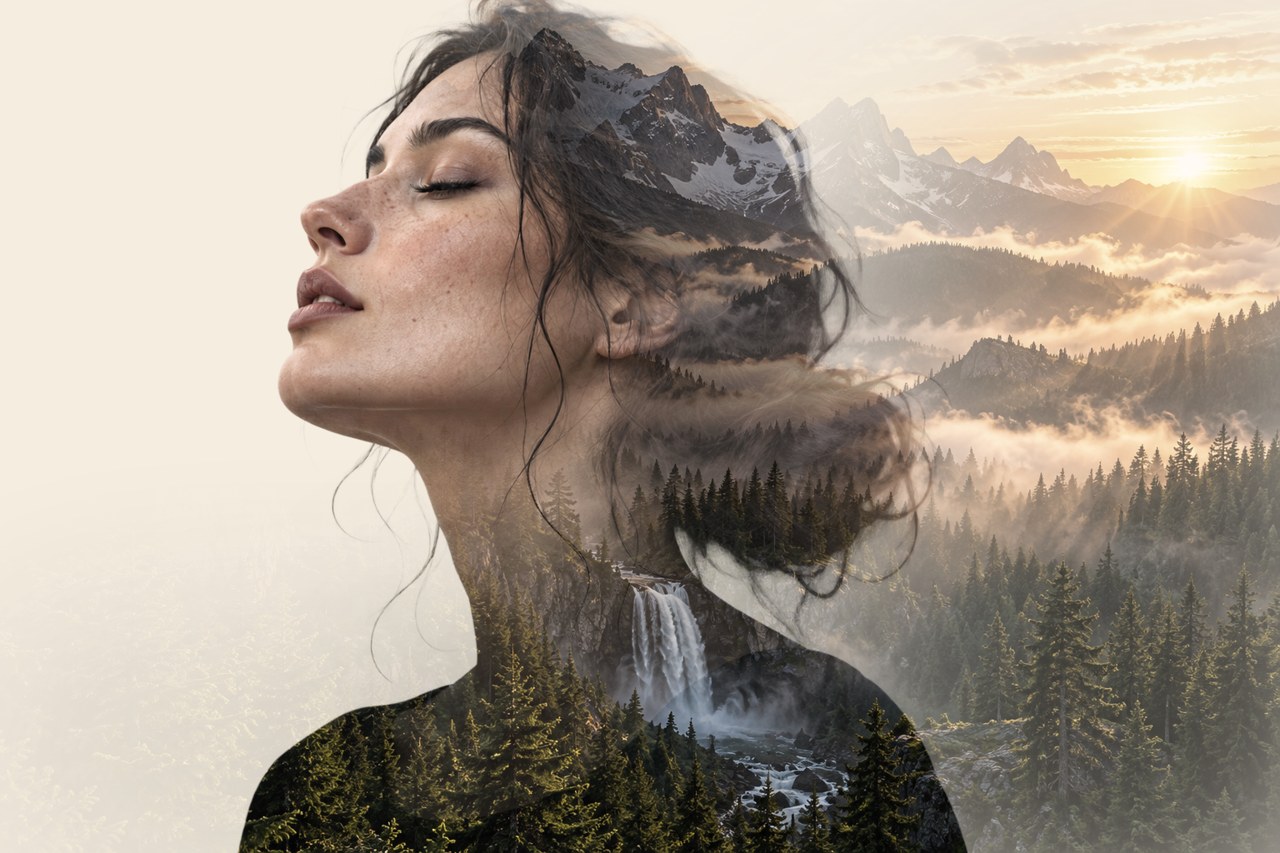
Double Exposure Portrait: Forest Inside a Silhouette
Blend a transparent portrait with a forest using a clipping mask, layer masks and soft brushes. Follow the real editor recording with shortcuts and practice files.
-
 Watch the step-by-step video
Intermediate
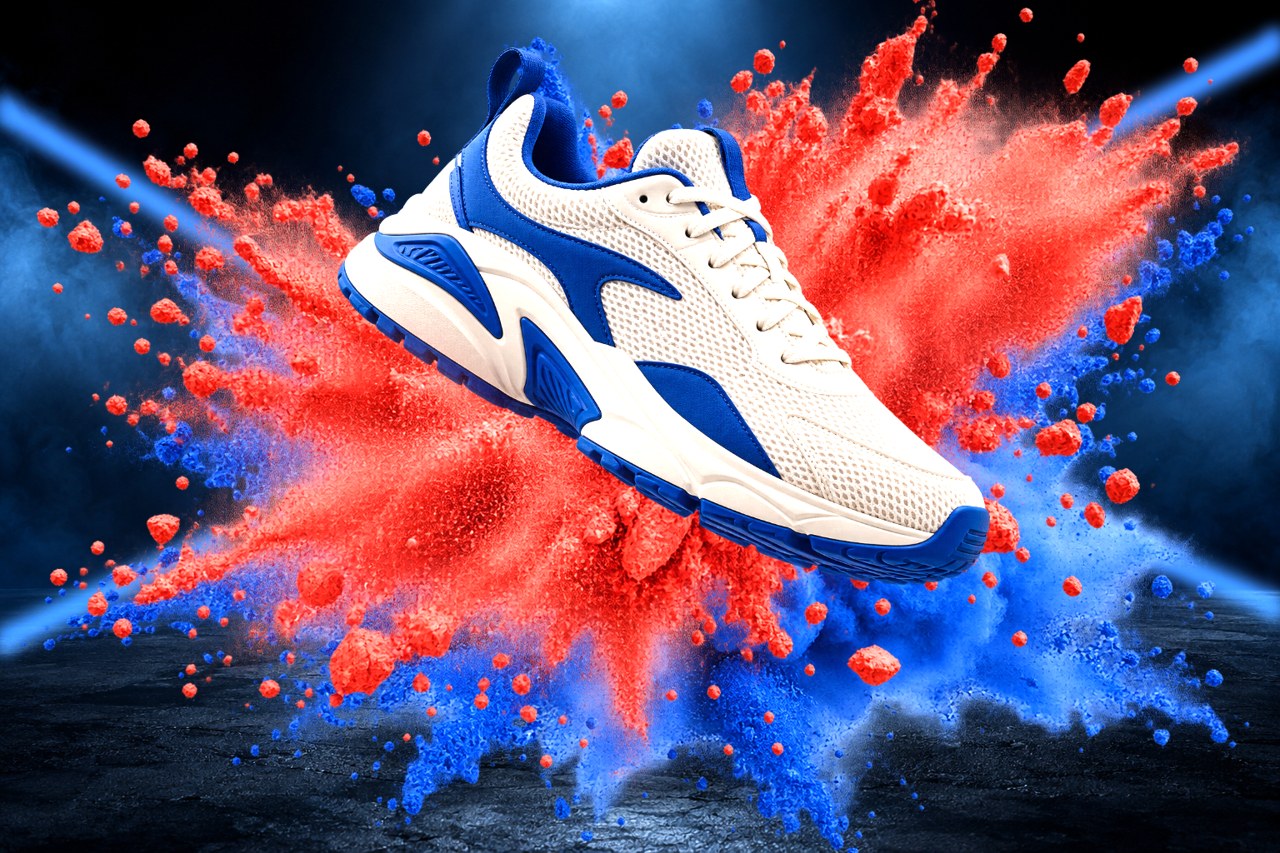
Sneaker Powder Burst Ad with Shadows and Light Beams
Build a product ad from a transparent sneaker and red and blue powder layers. Add a soft floor shadow, light beams and front particles with masks, step by step.
-
 Watch the step-by-step video
Intermediate
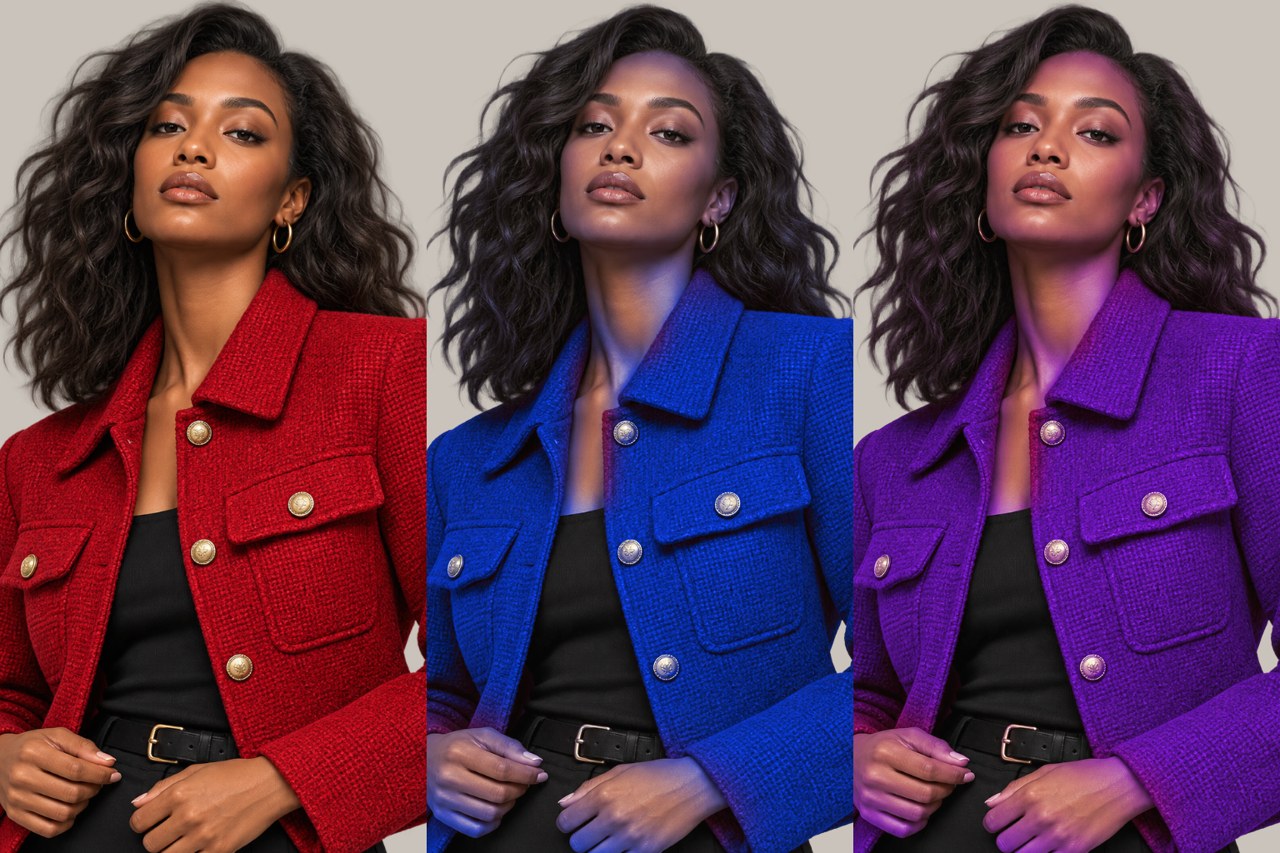
Change a Jacket Color with Color Range and Hue/Saturation
Show one outfit in three colors. Select the jacket with Select > Color Range, recolor it with a clipped Hue/Saturation layer and keep skin natural with a mask.
-
 Watch the step-by-step video
Intermediate
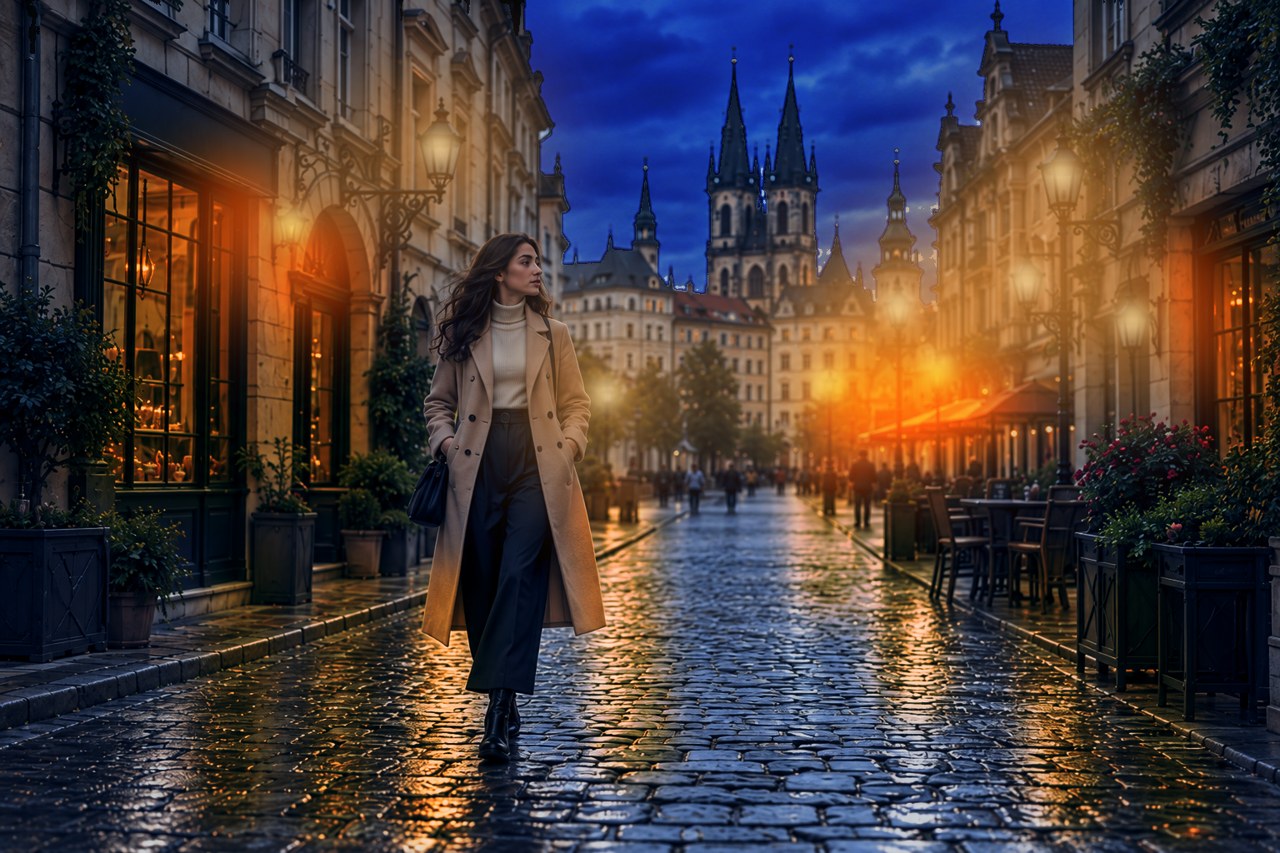
Turn a Day Street Photo into Night with Curves and Painted Light
Turn one daylight street photo into a warm night scene. Darken with Curves, cool with Color Balance, darken the sky with Select > Sky and paint lamps, windows and wet reflections.